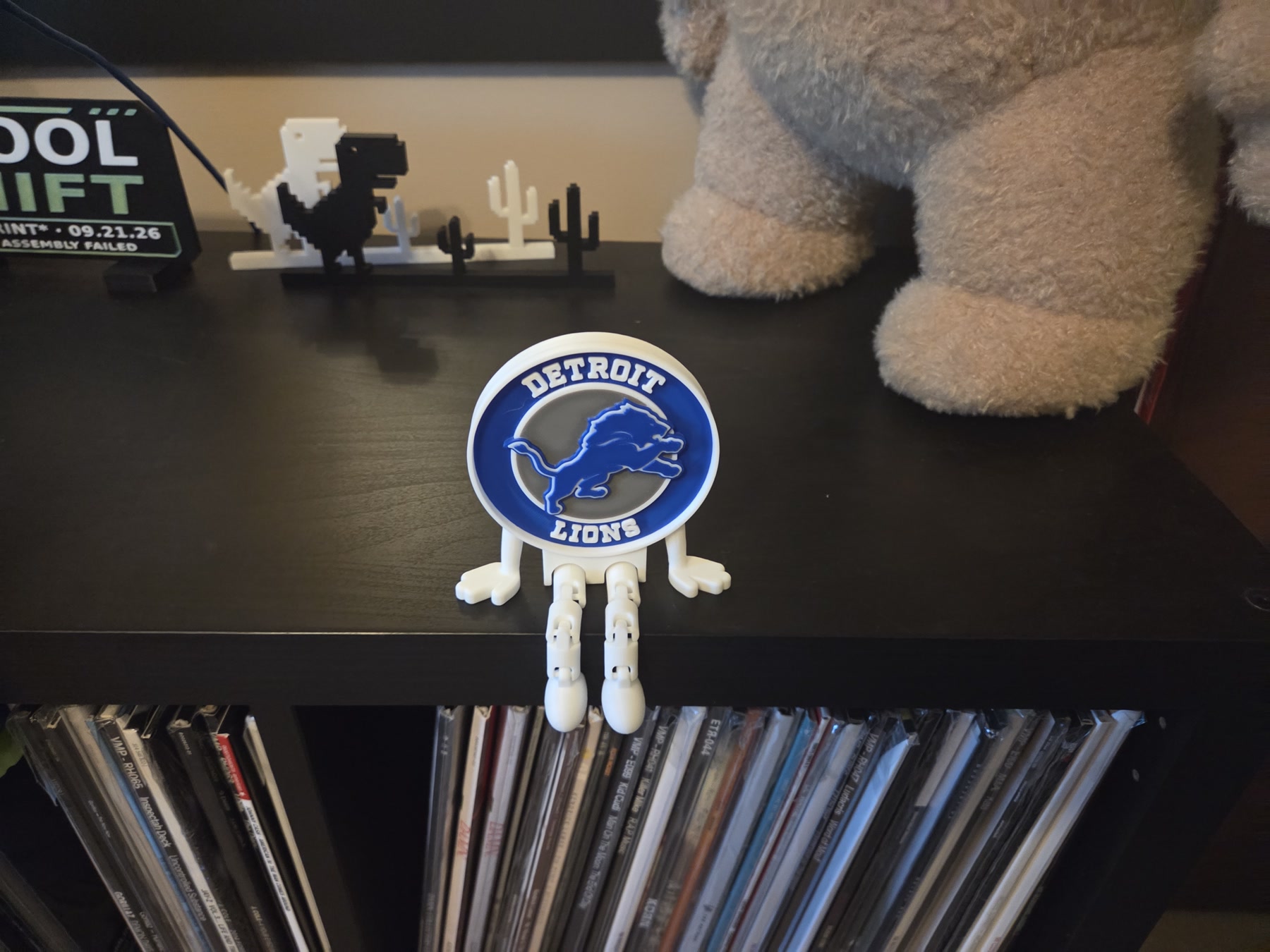
Detroit Lions Buddy
A little Lions Buddy with fully flexible legs. Team spirit, fresh off the printer.
Watch the print ↗SPOOL SHIFT PRINTS / THE STORY SO FAR
From making room to building the setup. The photos, progress, and small victories along the way.
Latest: Lions Buddy joins the collection, the second camera gets its own mount, and the overlay keeps up with the build.
Detroit Lions Buddy has joined the published collection: blue and white, articulated legs, and a permanent seat on the shelf. The finished-print photo and making-of Short are ready to explore.
A little Lions Buddy with fully flexible legs. Team spirit, fresh off the printer.
Watch the print ↗The second camera is installed in its printed shelf mount. Getting there took several revisions: clearances, stronger parts, and a lid that needed more than optimism to stay put. The printed nut recesses did not retain the nuts as intended, so the fastening needed further attention during assembly.
With the camera in place, its image was rotated upright. On October 24, a quality adjustment restored native 1080p at about 30 fps without restarting the ongoing YouTube or TikTok broadcasts.
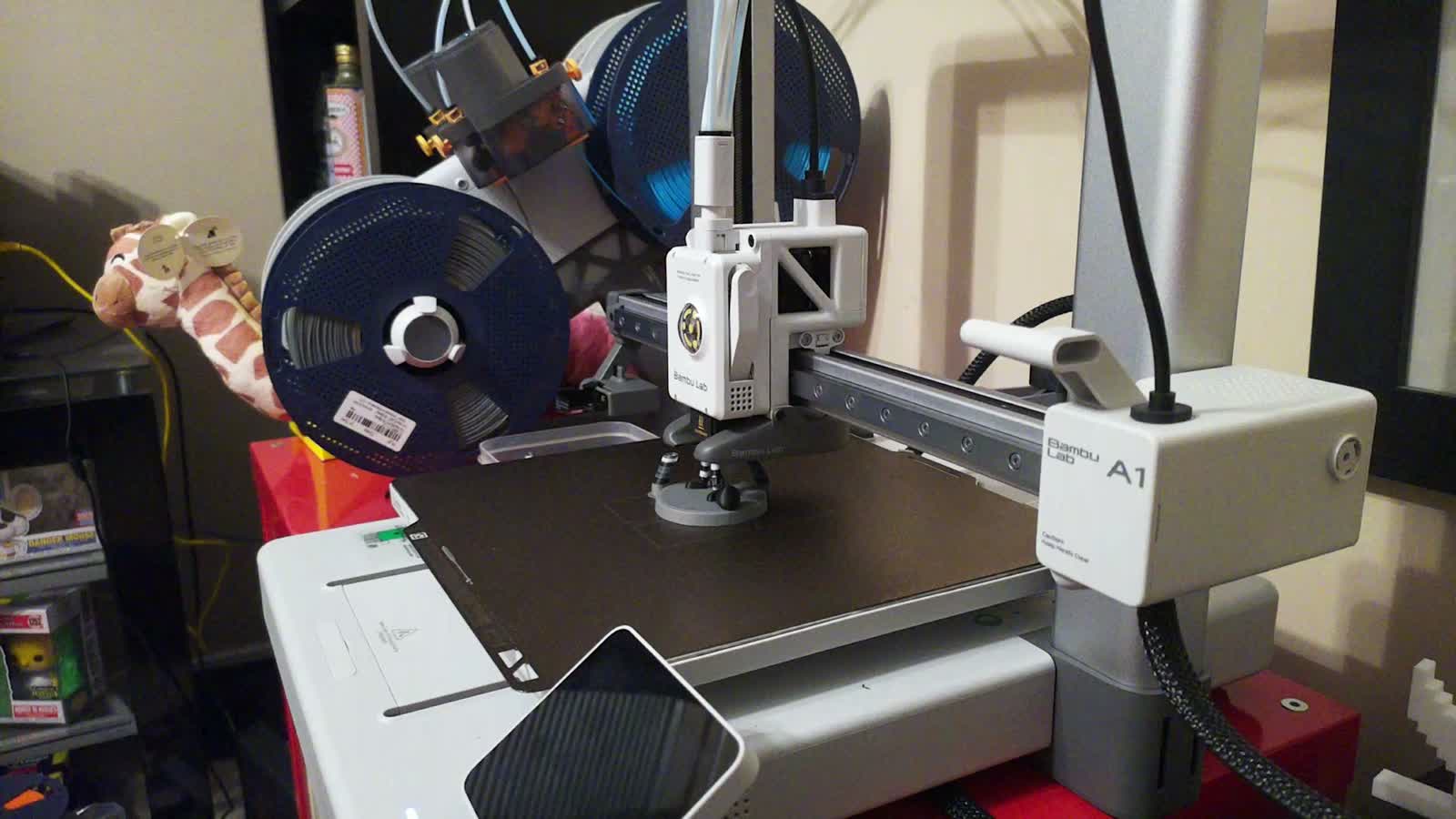
TikTok’s OBS setup now has automatic angle switching, with longer main-camera views and shorter visits to the second angle. A manual scene change takes priority.
The YouTube overlay is enabled again. A recent stale-data problem led to a repair that reads fresh printer data and rejects old results. The homepage also shows model previews and spool details, plus a watch link when a public YouTube broadcast is verified.
BamBuddy and experimental failure detection are part of the monitoring setup. Alerts are notify-only; automatic stopping and power control are not part of that detection workflow.
The next kind of grow is being prepared too: temperature and humidity readings, history graphs, and a private mushroom-camera preview have been developed. The preview camera is off, and the grow page stays private until launch.
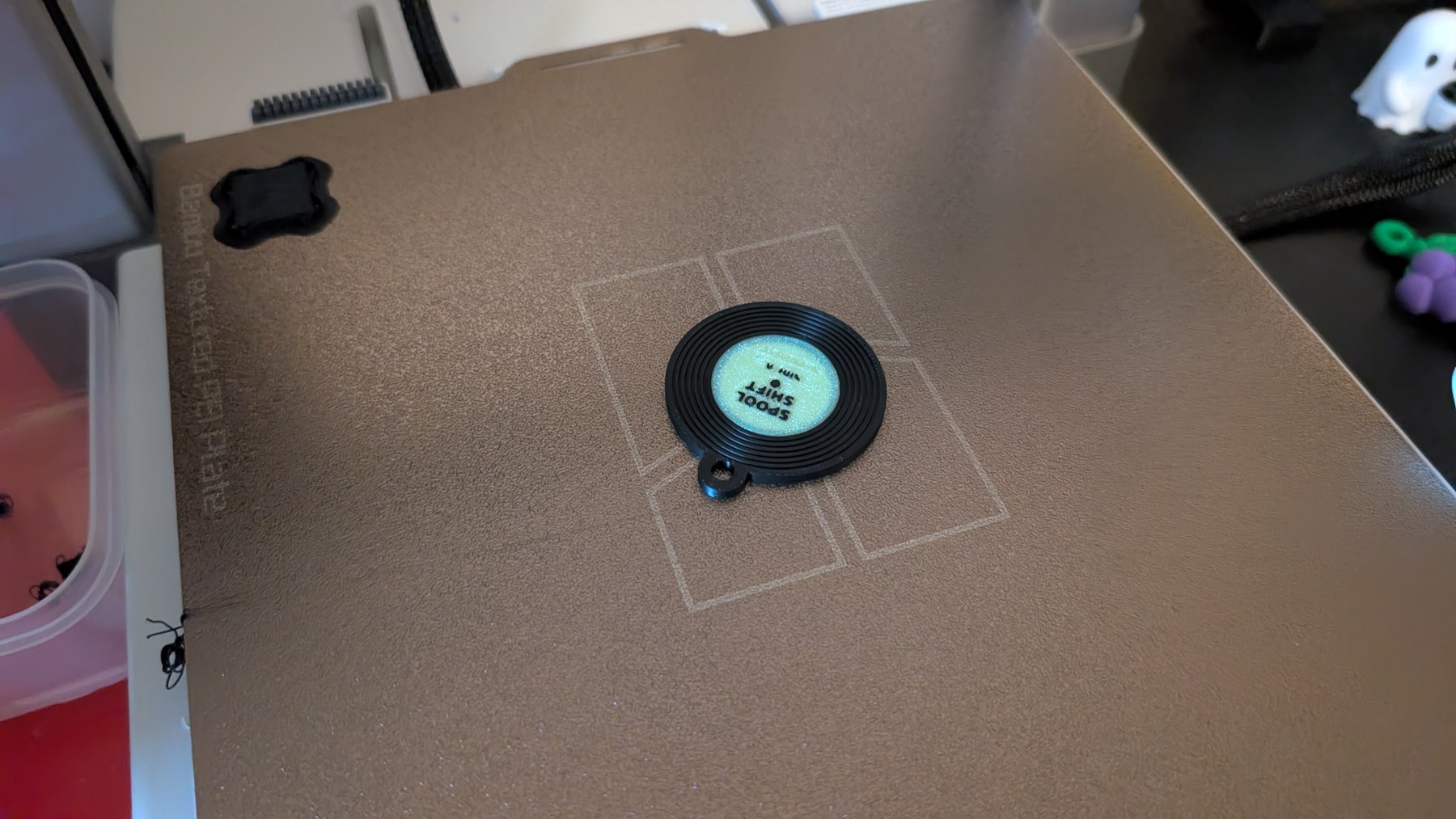
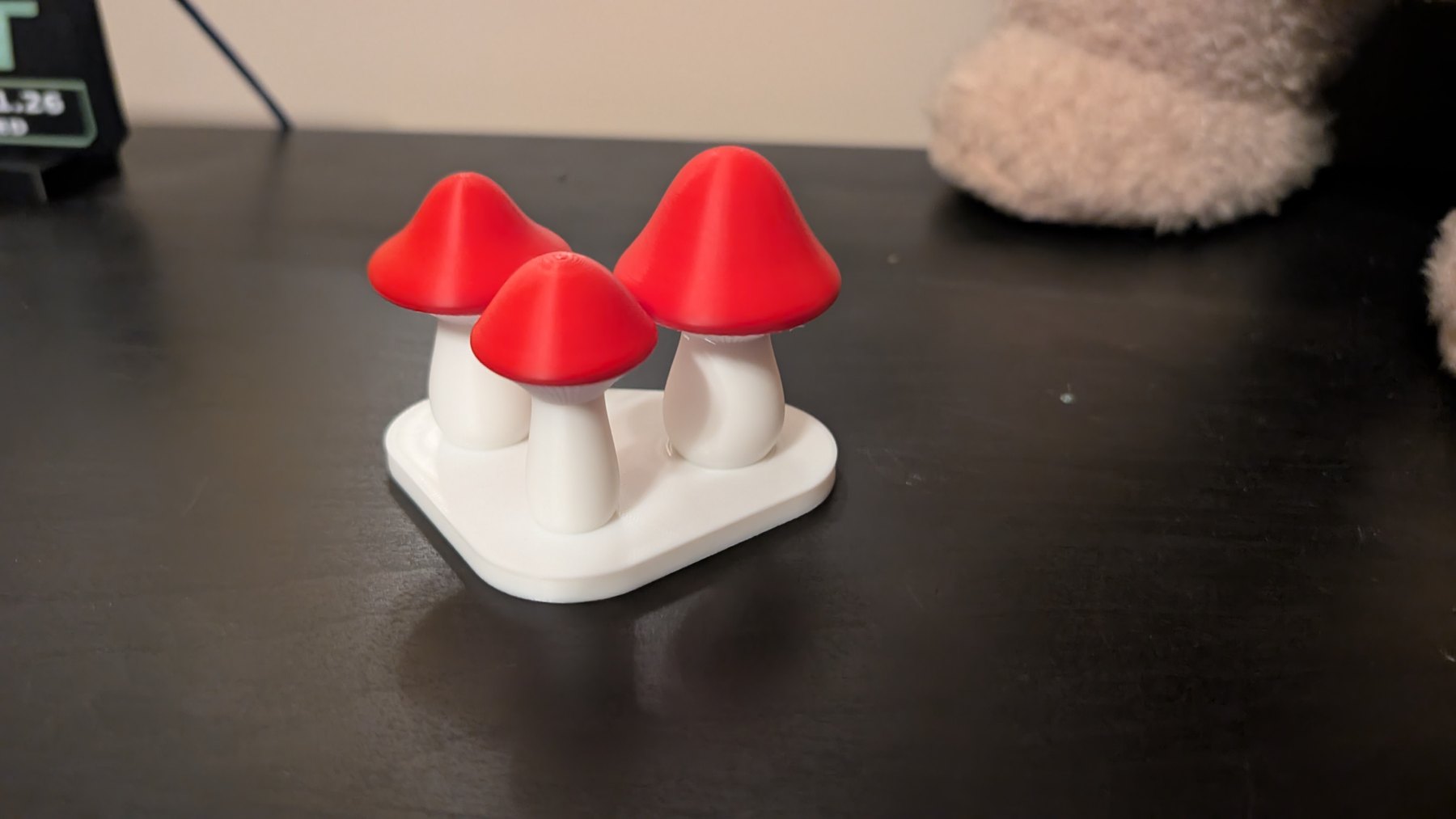
The NFC experiments started with a small record-shaped test keyring. Next came a hidden pocket in the Mini Mushroom Trio’s base: pause the print, insert the tag, then let the next layers seal it inside.
One lesson arrived early: supports need to stay out of the tag pocket. The slicer saw an empty space and helpfully furnished it. A support blocker kept the cavity clear while supporting the mushroom caps.
The trio now has its own permanent page with the making-of video, photos, and credit to original designer NoOrdinaryLeaf. The physical phone tap has been tested and opens the page as expected.
Each physical print run gets its own address, even when we print the same design again. The hidden-base approach has also been prepared for the spooky stump; each new run keeps its own testing record.
Cute Ghost and Puffer Jacket joined the published Shorts on October 2, followed by Mini Mushroom Trio and Purple Spooky Stump on October 3. From a ghost in a beanie to a stump that glows after dark, the collection keeps finding new ways to take over the shelves.
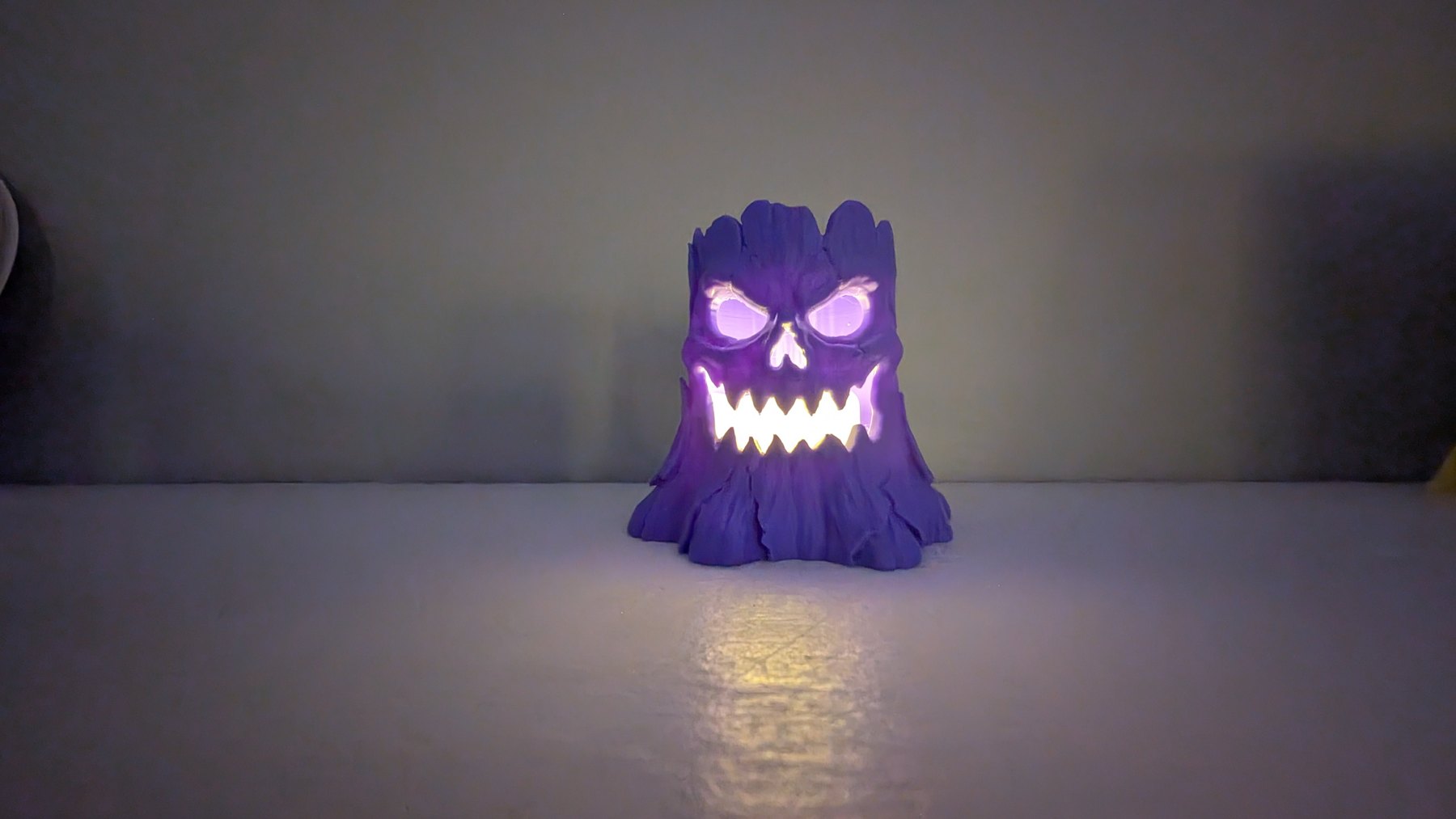
All bark, no chill. A purple Halloween print with a glowing after-dark reveal.
Watch the print ↗A tiny forest, grown one layer at a time. Supports off, woodland energy on.
Watch the print ↗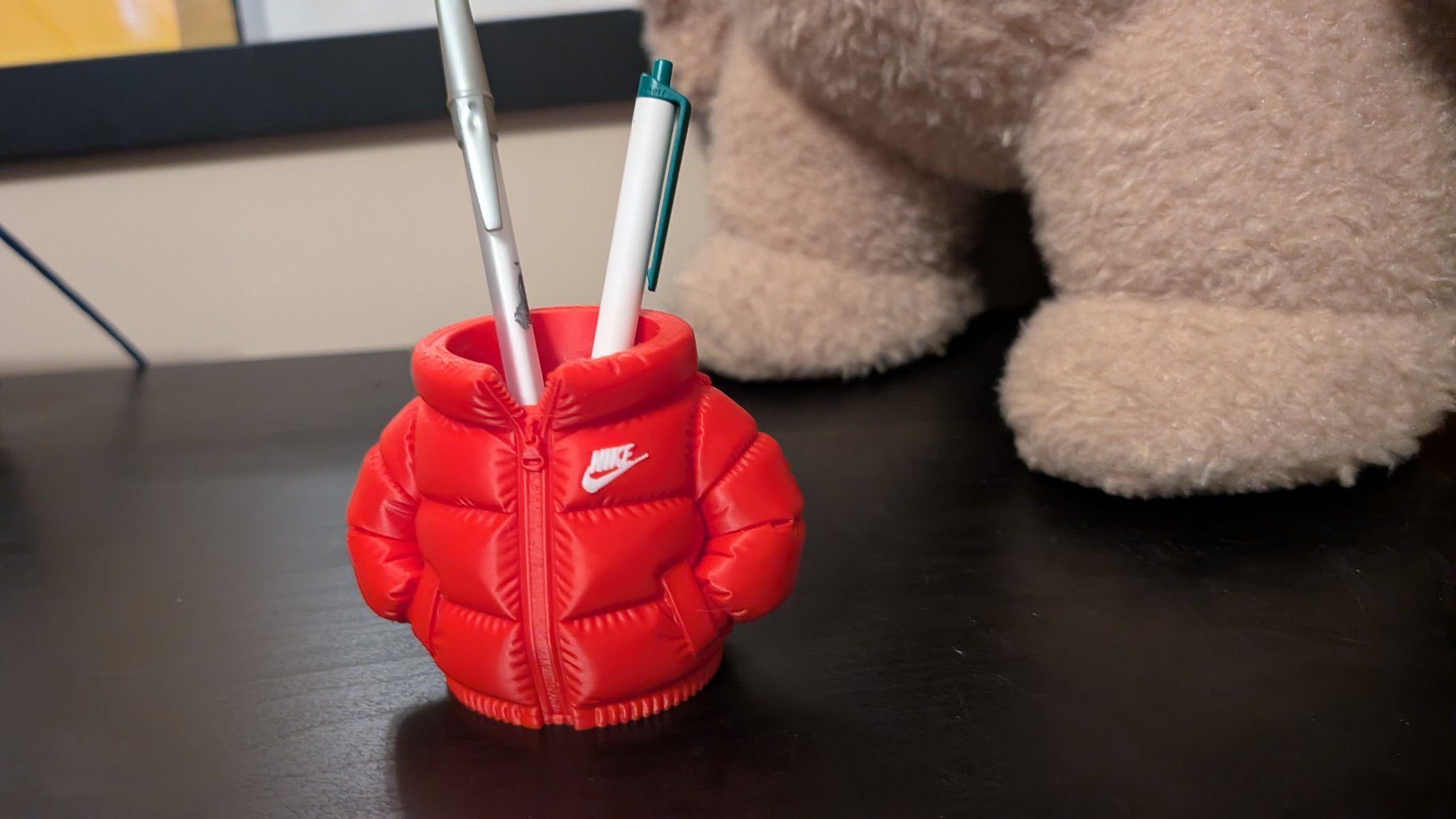
Office supplies, winter collection. A little red jacket putting in a shift as a pen holder.
Watch the print ↗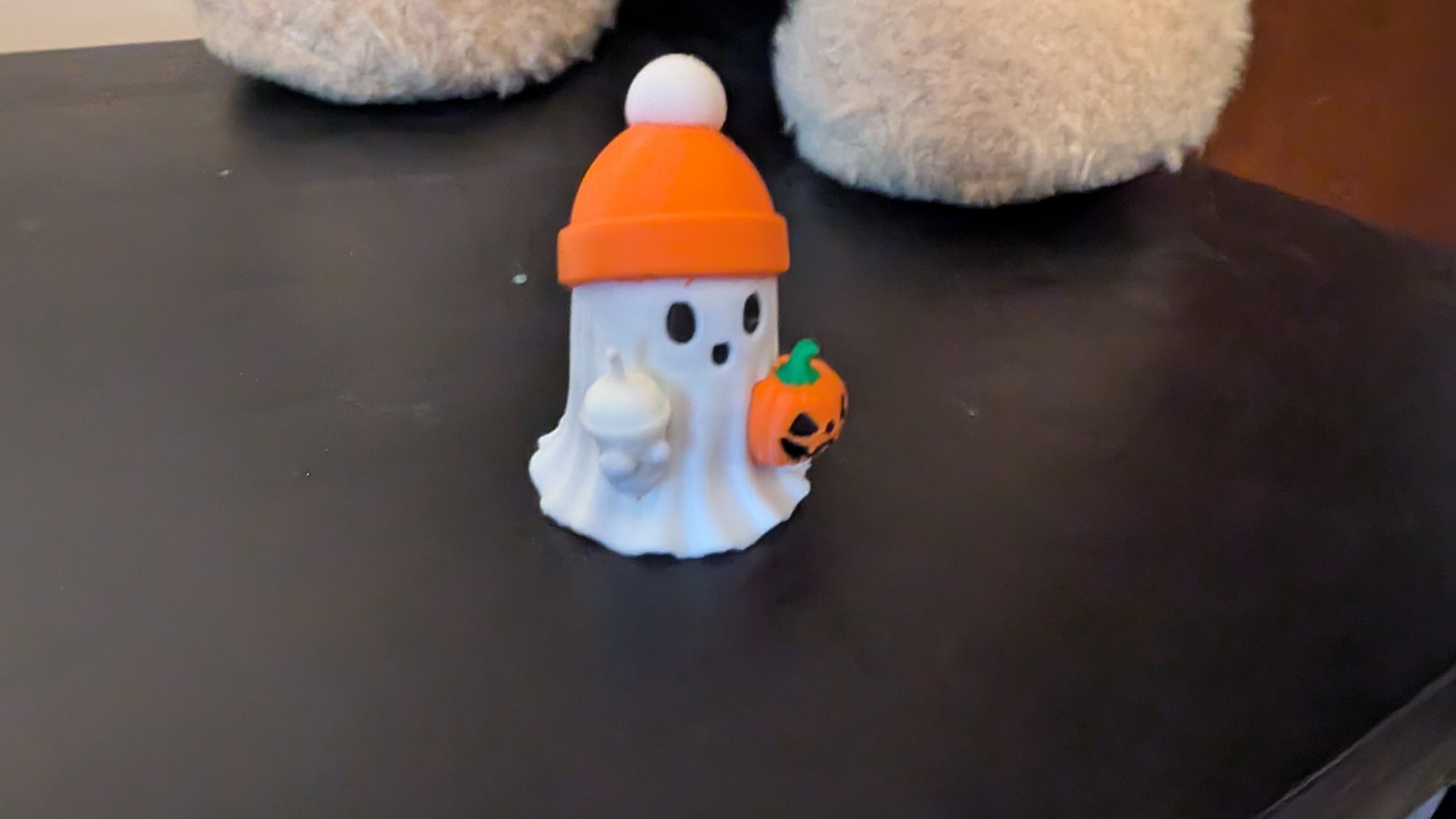
Born to haunt, dressed for fall. Tiny drink, pumpkin bucket, absolutely no intimidation skills.
Watch the print ↗A bunch of grapes, orange and red brick shapes, and a tiny pumpkin ghost joined the collection. Sprout took a different route: straight to spaghetti. All four stories are published on our socials.
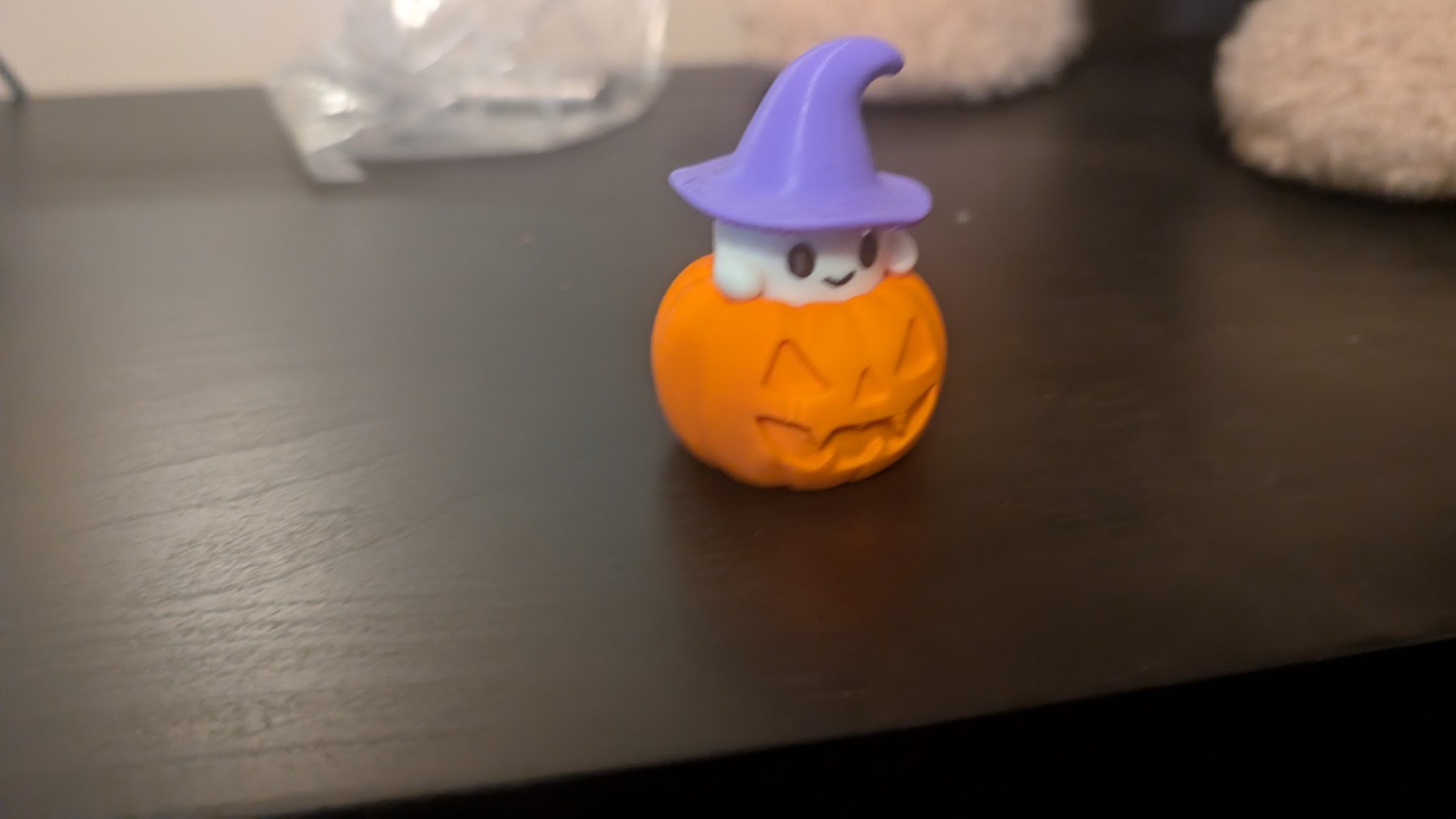
Small ghost, big gourd energy. From timelapse through support removal to the Halloween reveal.
Watch the print ↗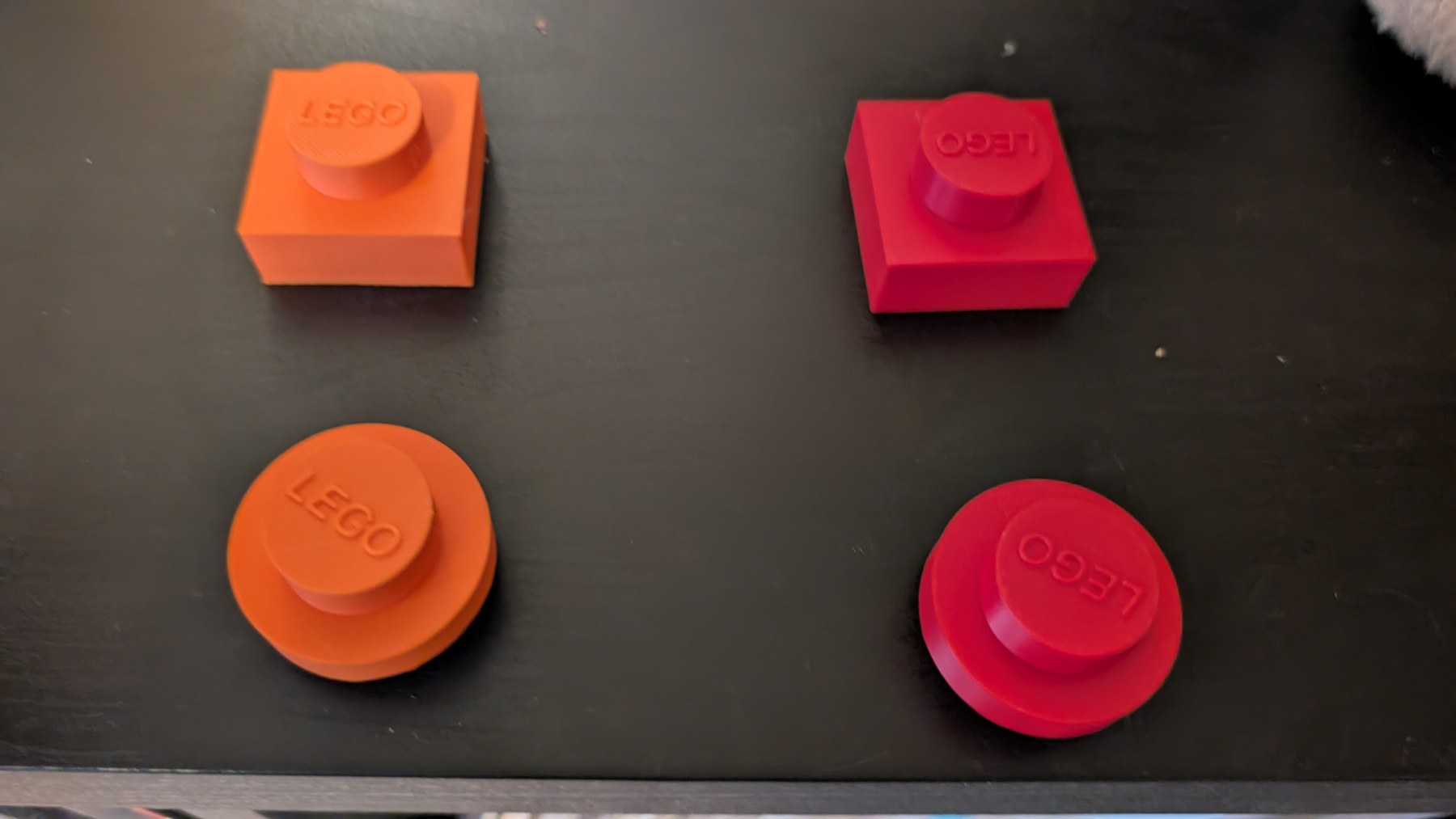
Square and round, orange and red. Just one more brick. Said no one ever.
Watch the print ↗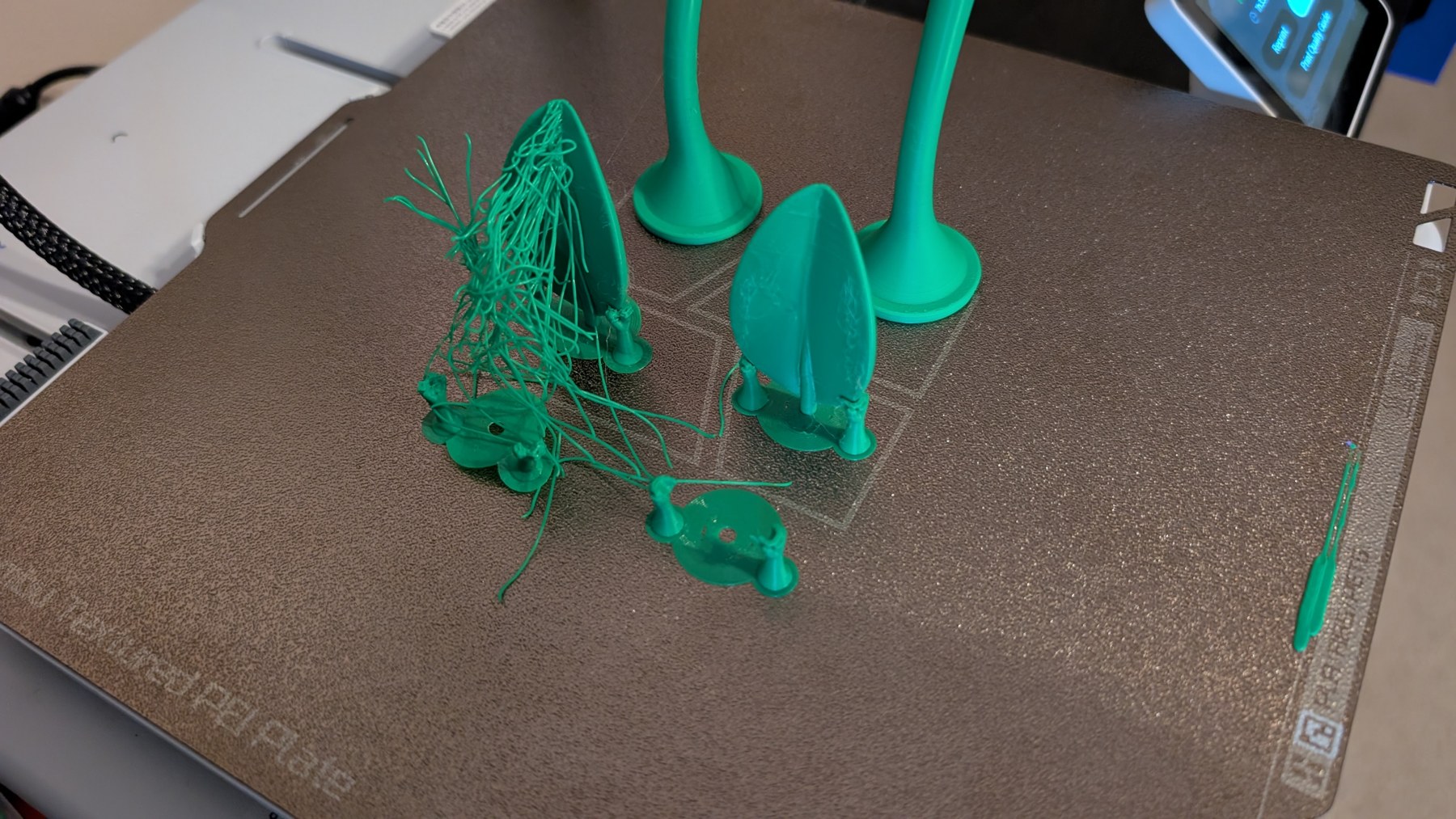
A plant-shaped plan with a pasta-shaped result. The fails belong in the build log too.
Watch the print ↗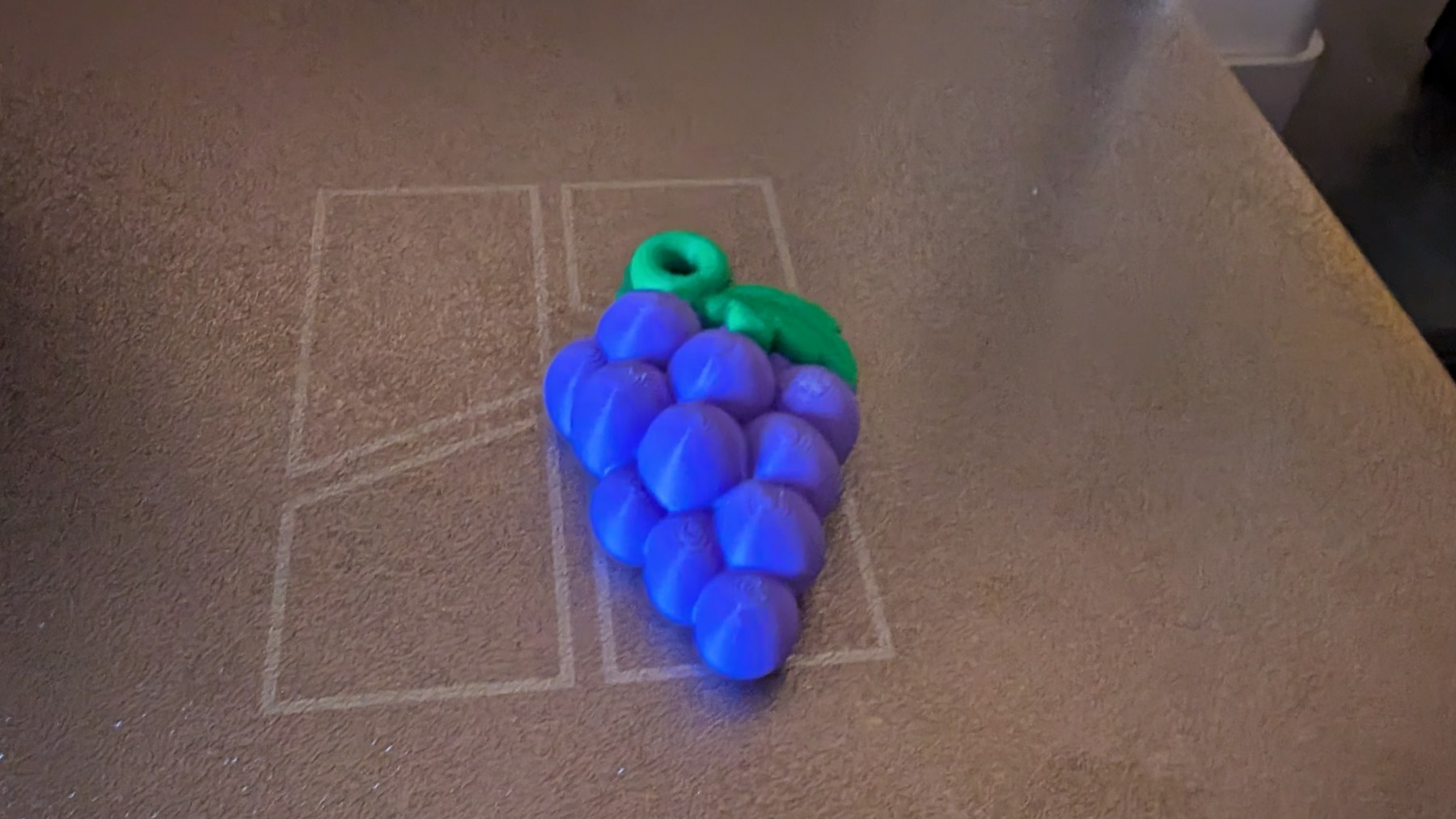
Freshly printed, not freshly picked. Zero vitamins, plenty of layers.
Watch the print ↗The homepage now shows the current printer status, print name, progress, layers, and estimated time remaining. It refreshes automatically, clears the print details between builds, and tells you when updates are unavailable.
With the repair and camera-mount build behind us, the collection has grown: SNEK, a coffee ghost, a wide-eyed black cat, a dinosaur, and a four-print fridge plant. Their videos are published across YouTube Shorts, TikTok, and Instagram.
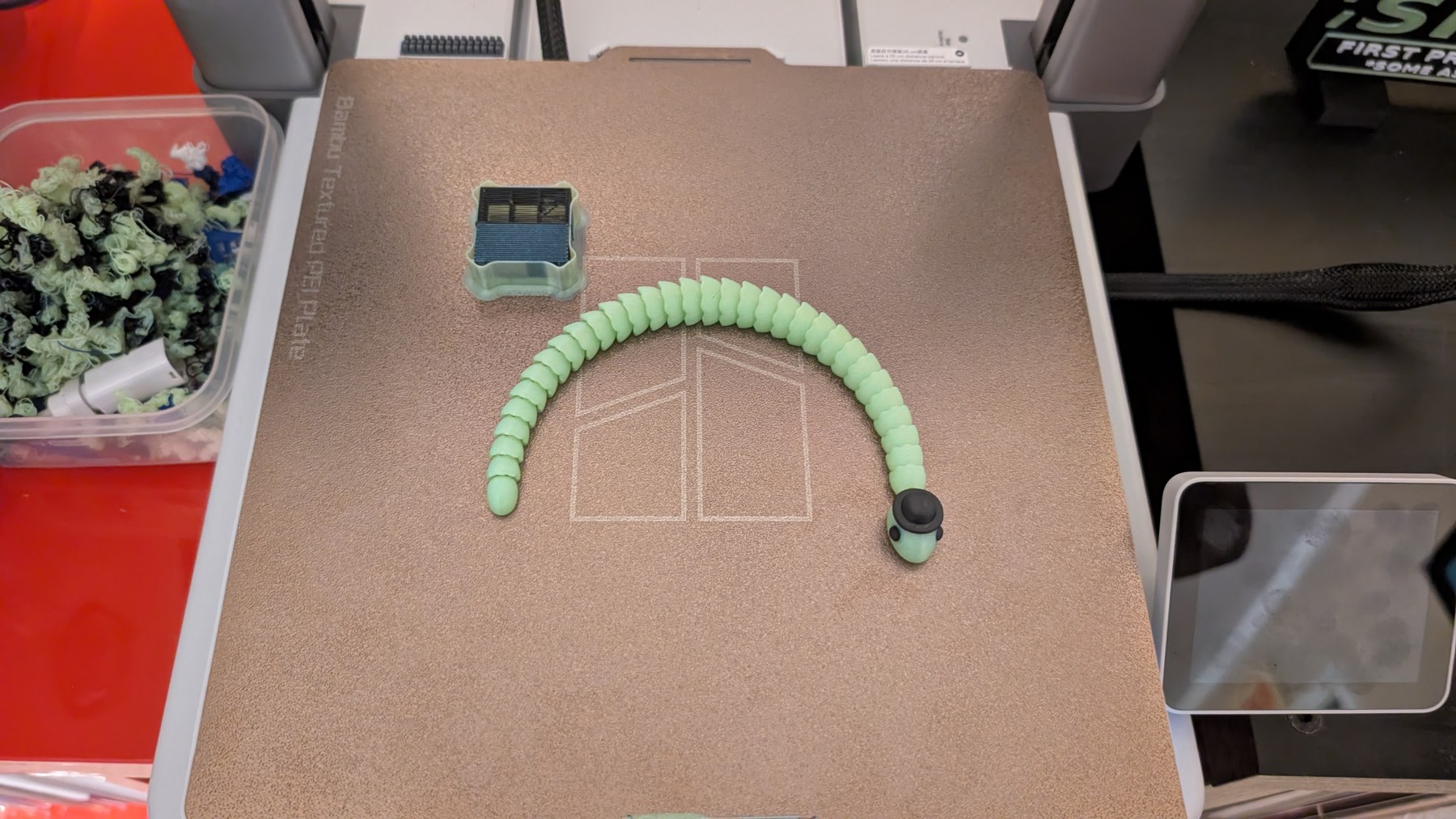
An articulated snake, a tiny top hat, and a reveal worth waiting for.
Watch the print ↗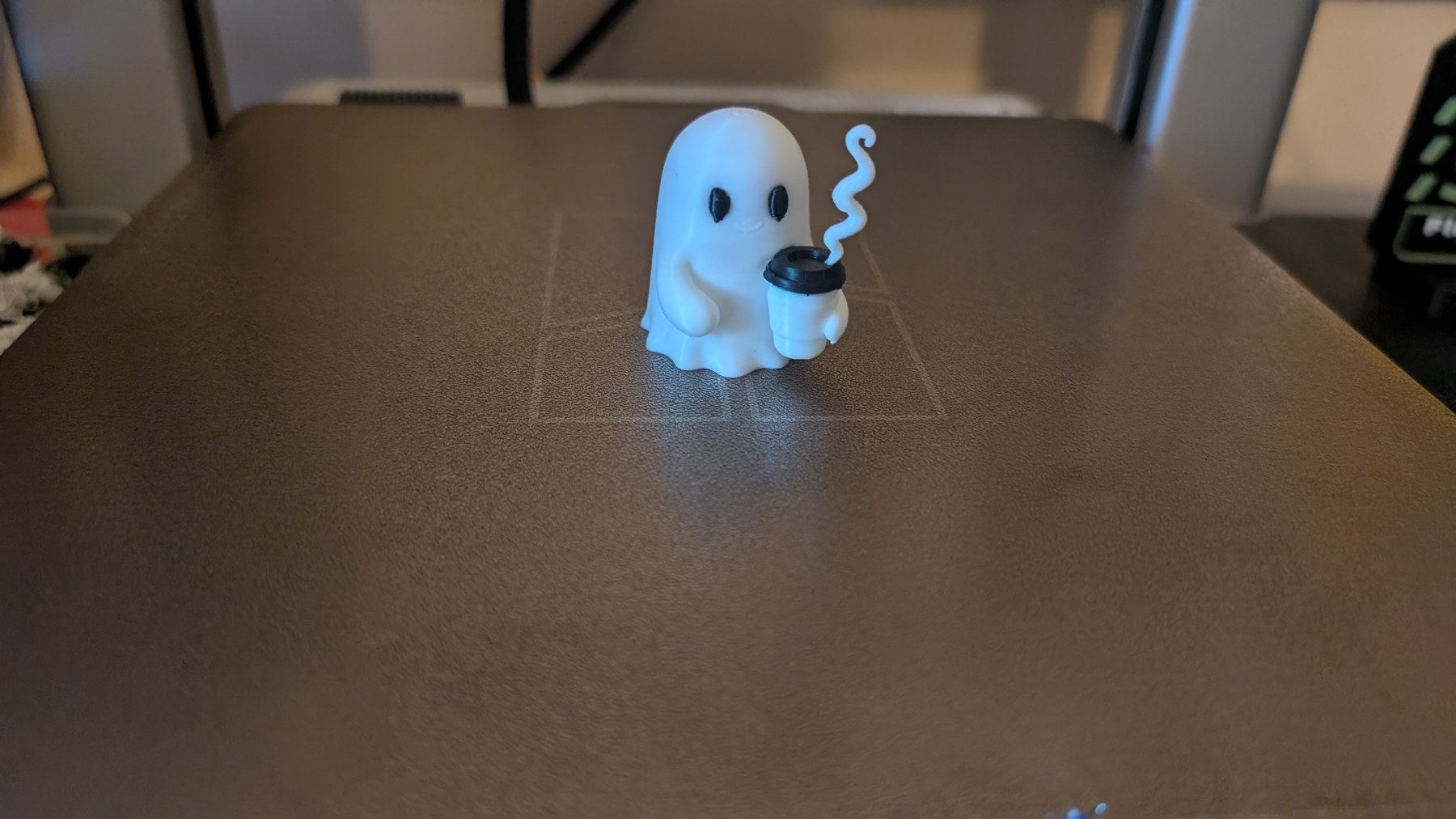
From timelapse to support removal to coffee. Haunting can wait.
Watch the print ↗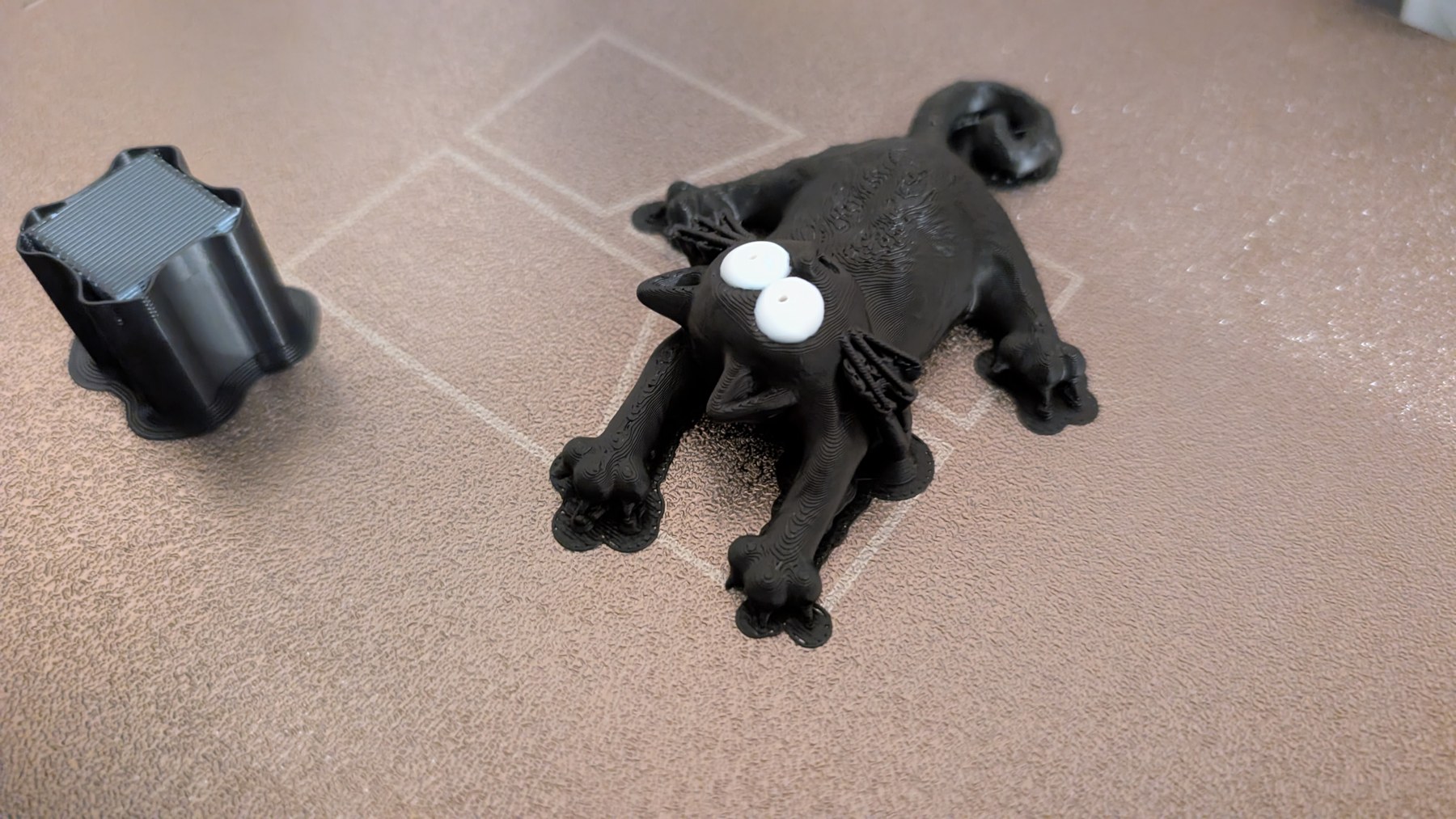
Big eyes, curled tail, and absolutely no intention of looking normal.
Watch the print ↗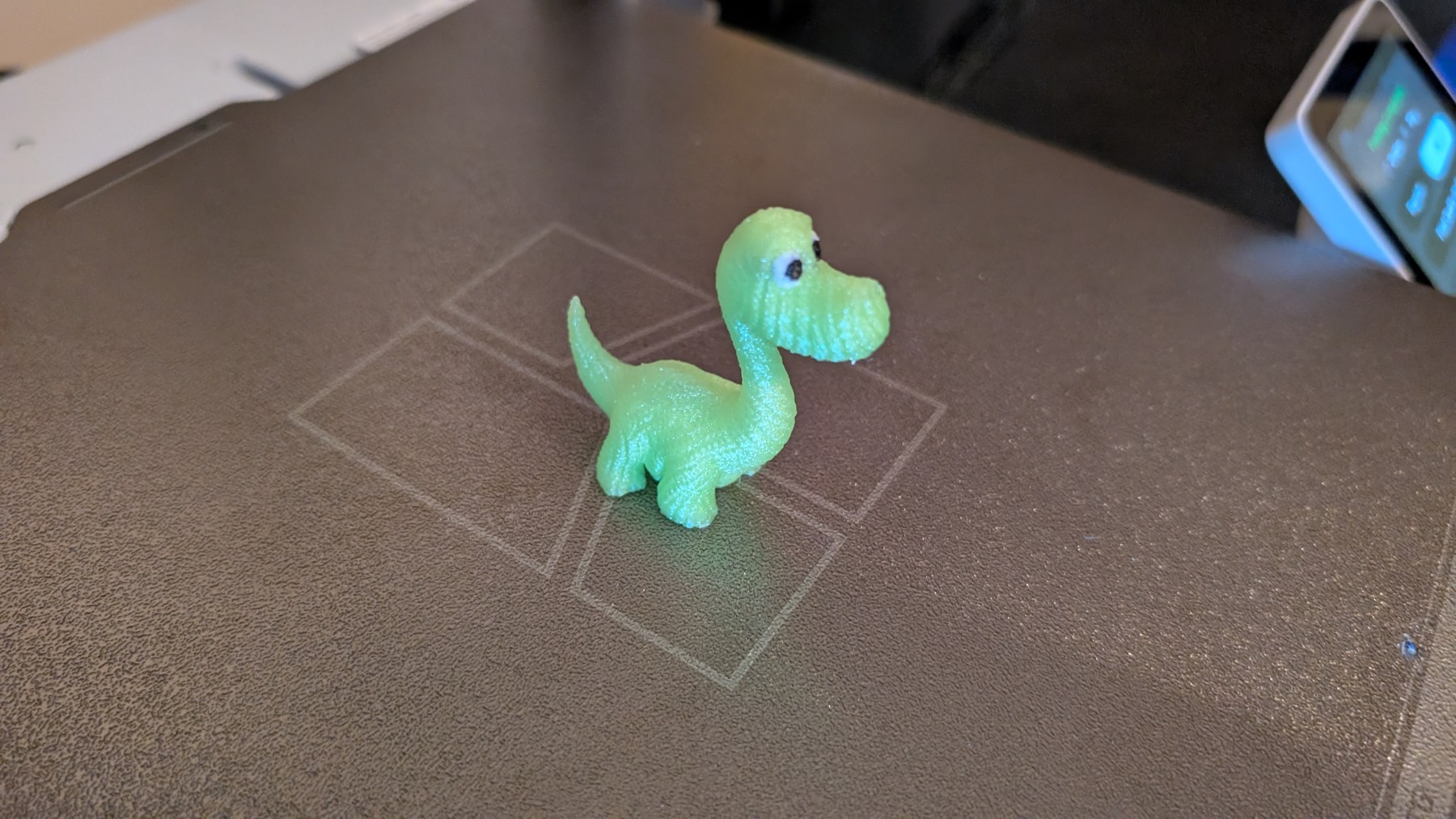
Captured from the TikTok livestream, then supports off and time for the reveal.
Watch the print ↗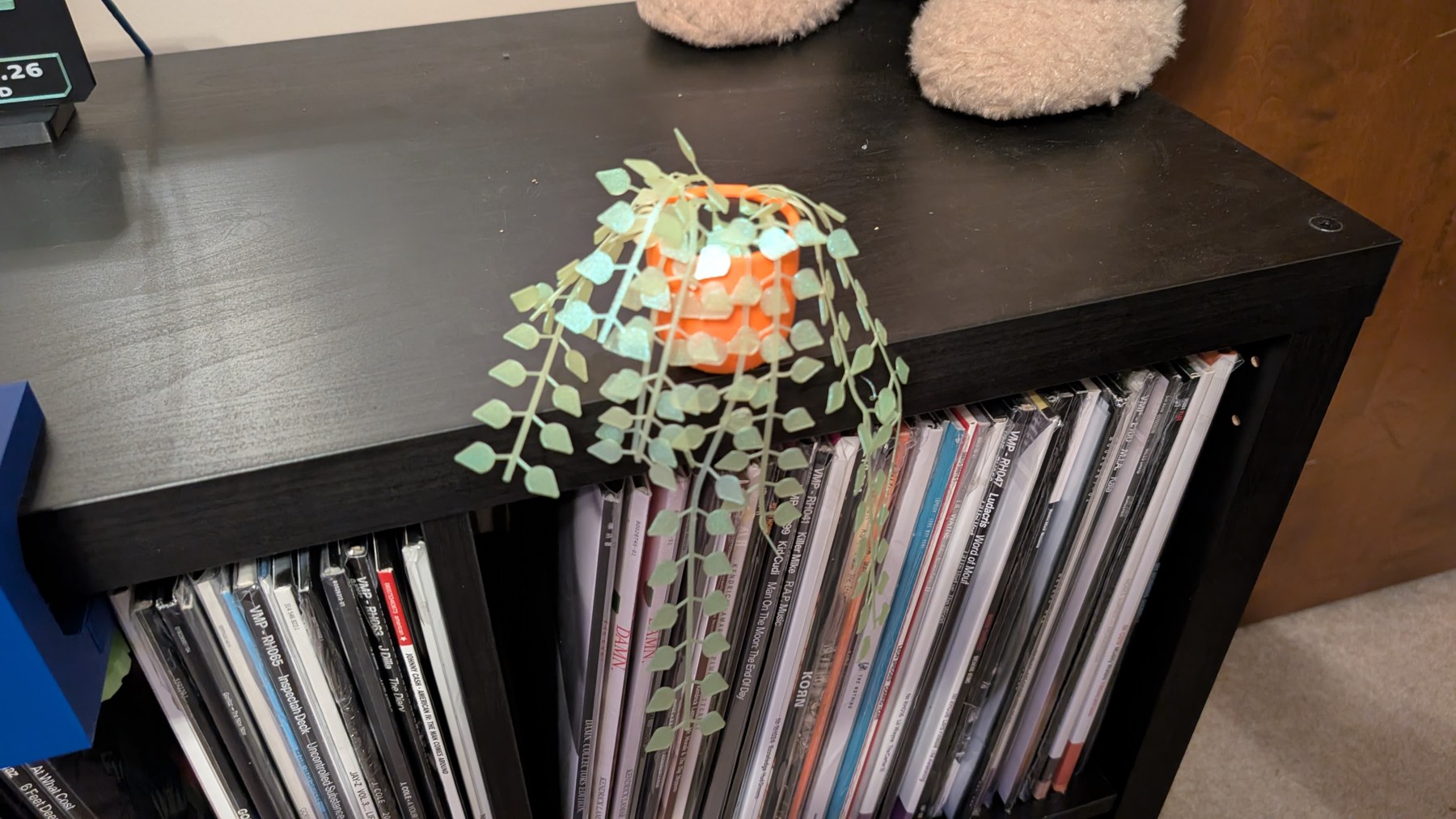
Four separate prints come together as a fridge-mounted plant. Watering successfully avoided.
Watch the print ↗The dinosaur video uses the TikTok livestream recording; the original timelapse was not available. The plant brings four separate prints together before its final fridge reveal.
The broadcast setup has evolved too: a separate desktop computer now runs OBS and TikTok LIVE Studio, with a video overlay for the print name and progress.
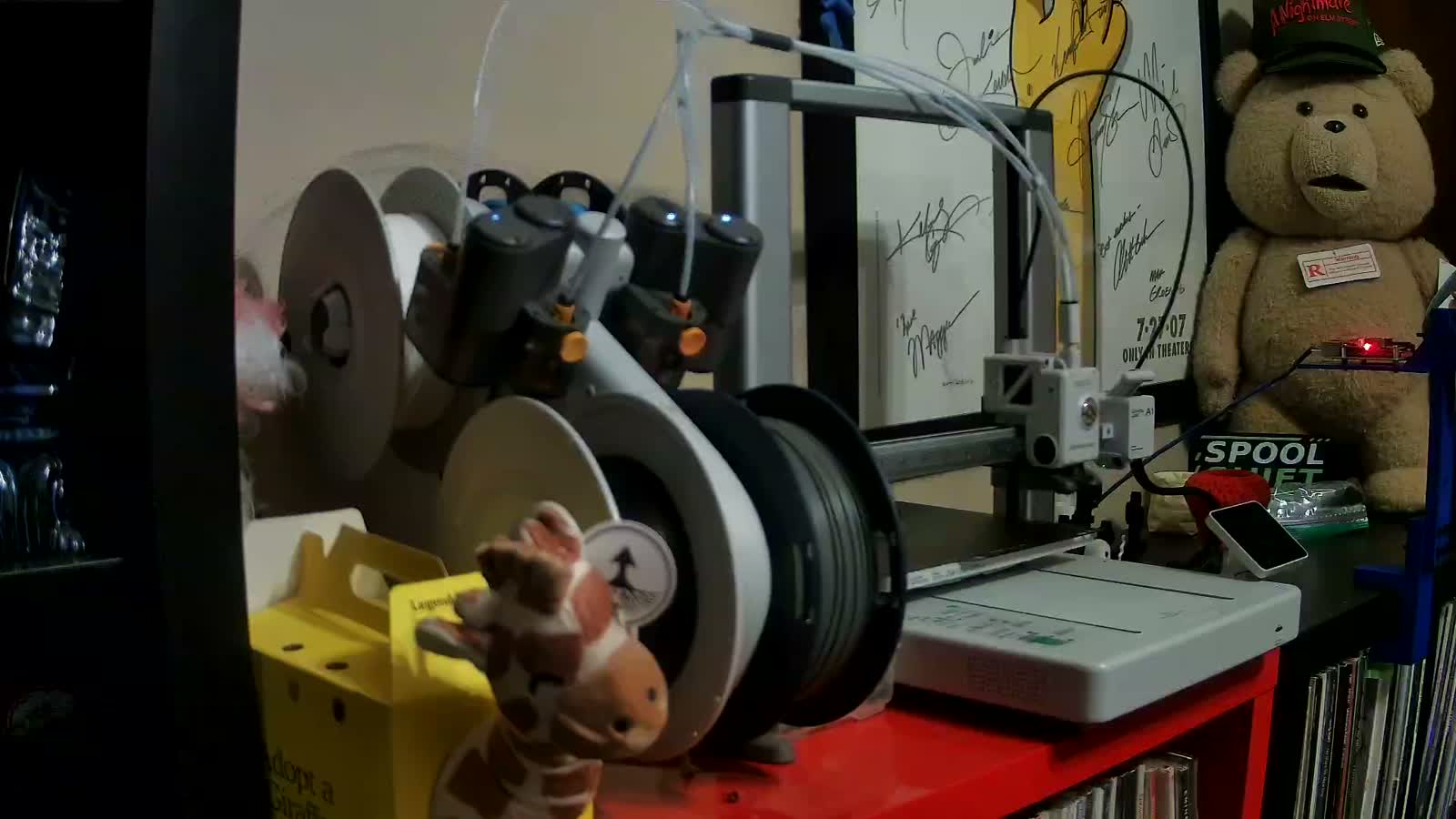
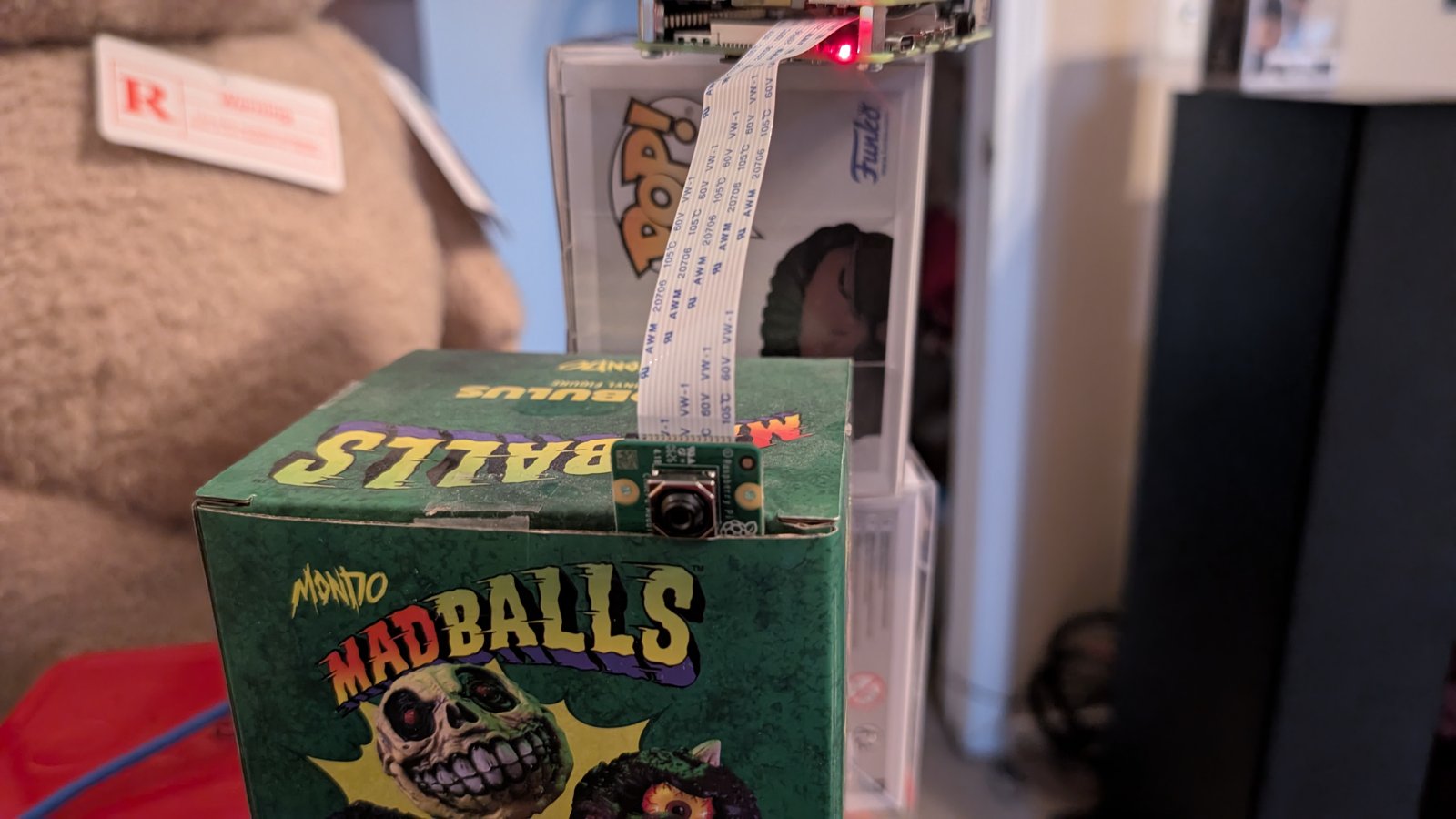
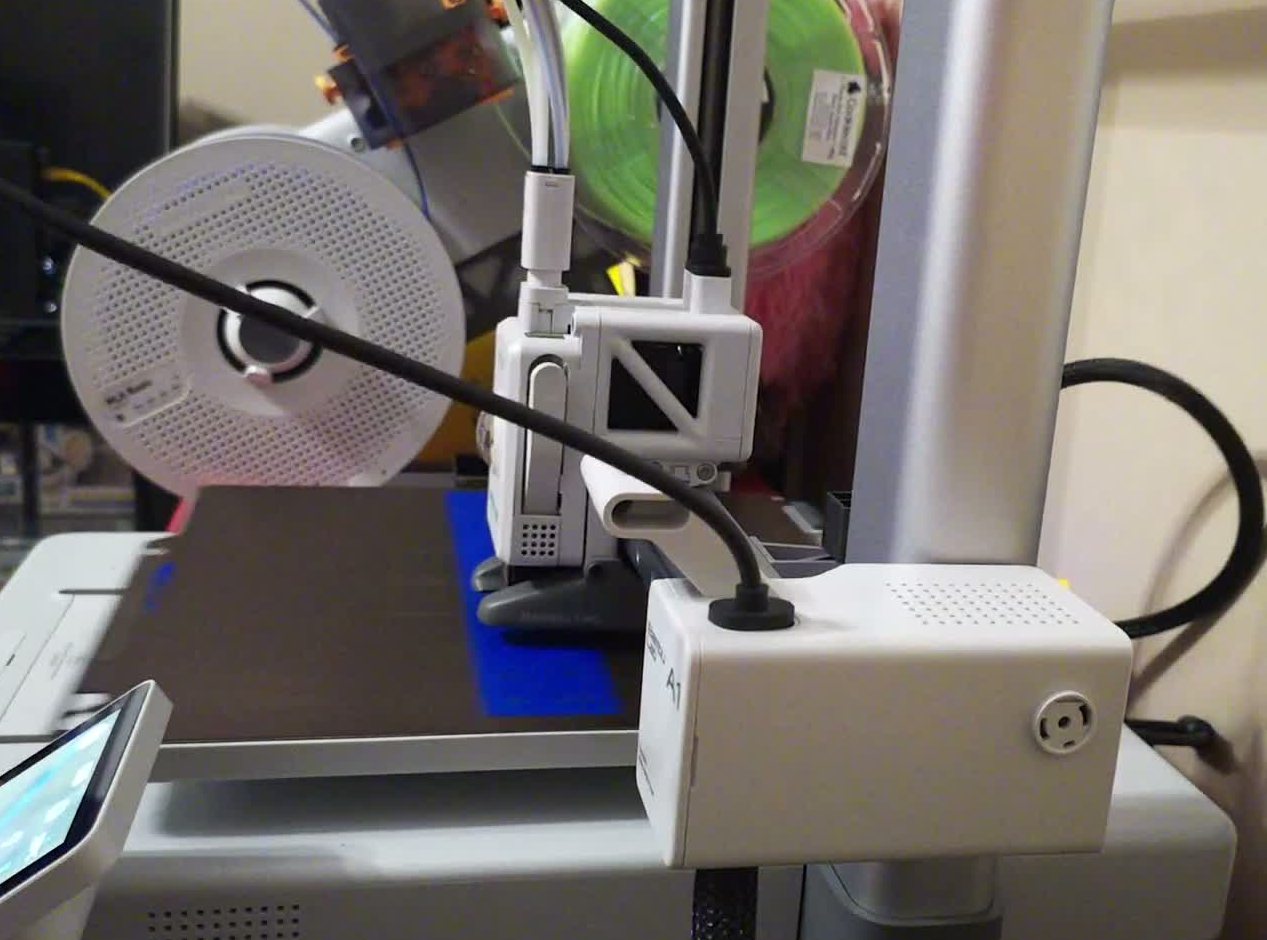
The camera started out on a cardboard collectible box. Useful for getting a view of the printer, less useful when it moved during a print. One of our early useful prints gave it a proper home.
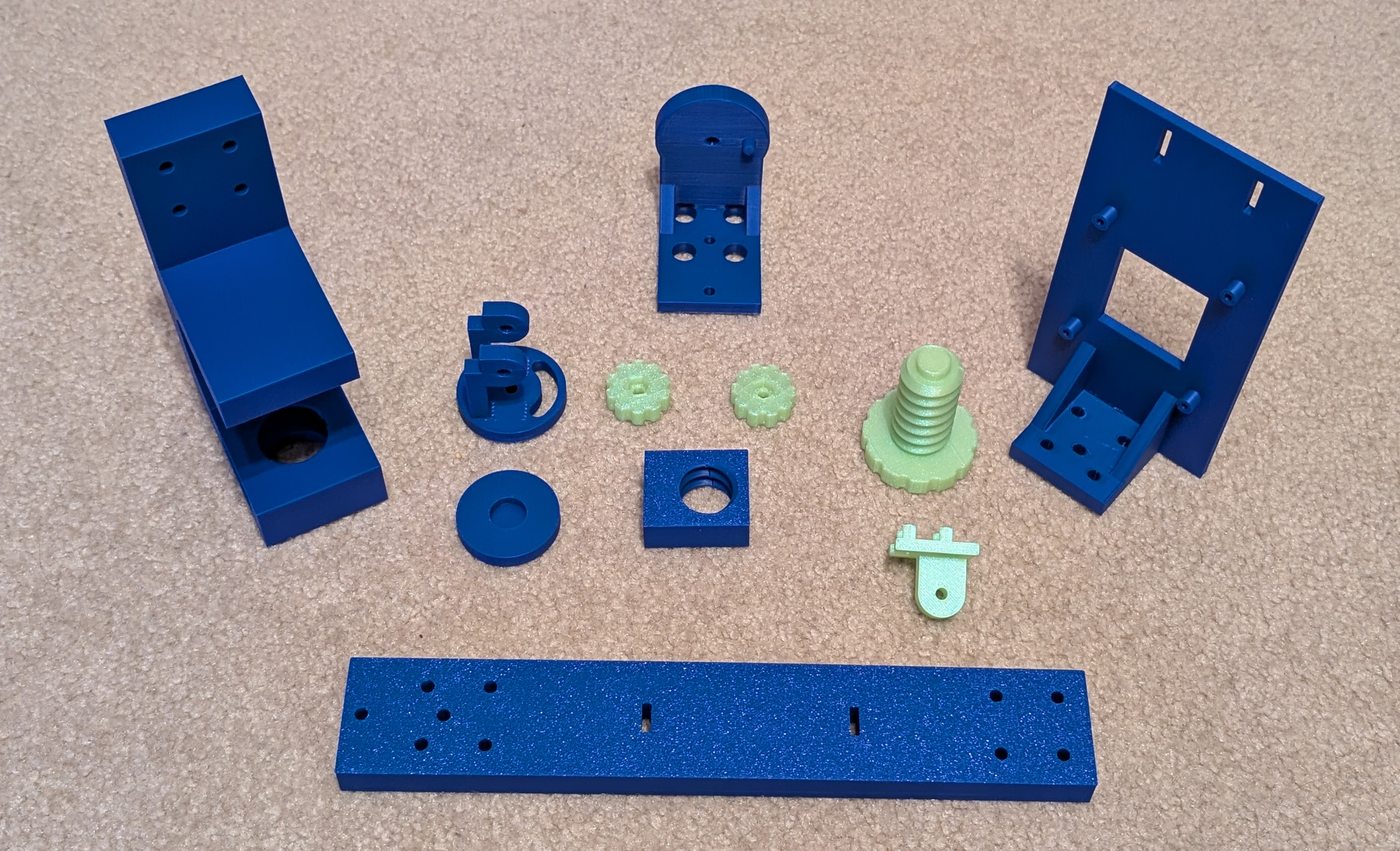
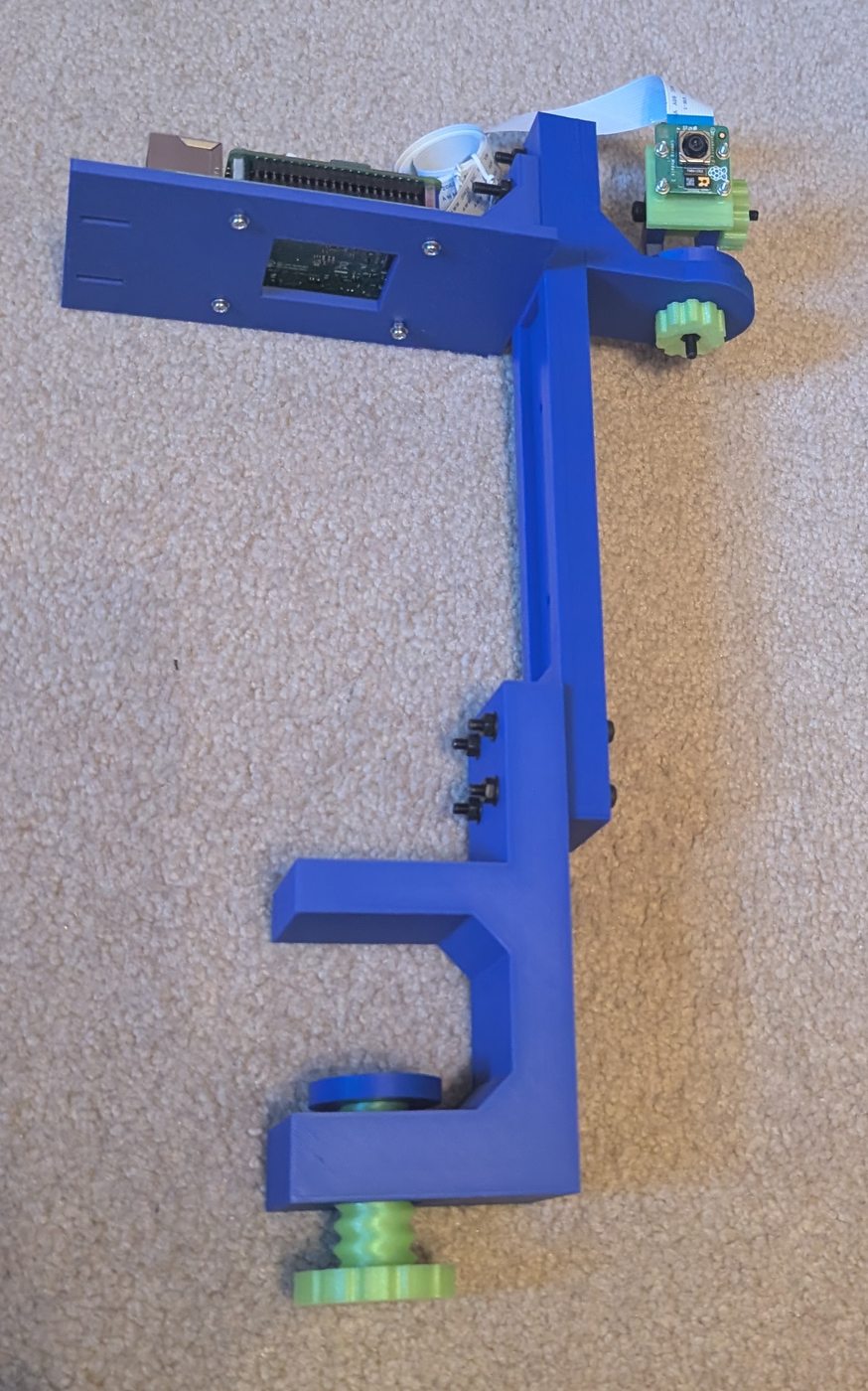
From the test fit to printing the clamp, upright, and final mount parts, the build came together in blue with green adjustment details. The clamp print was also our first simultaneous TikTok and YouTube broadcast. Then came assembly: clamp, upright, camera tray, and adjustable head.
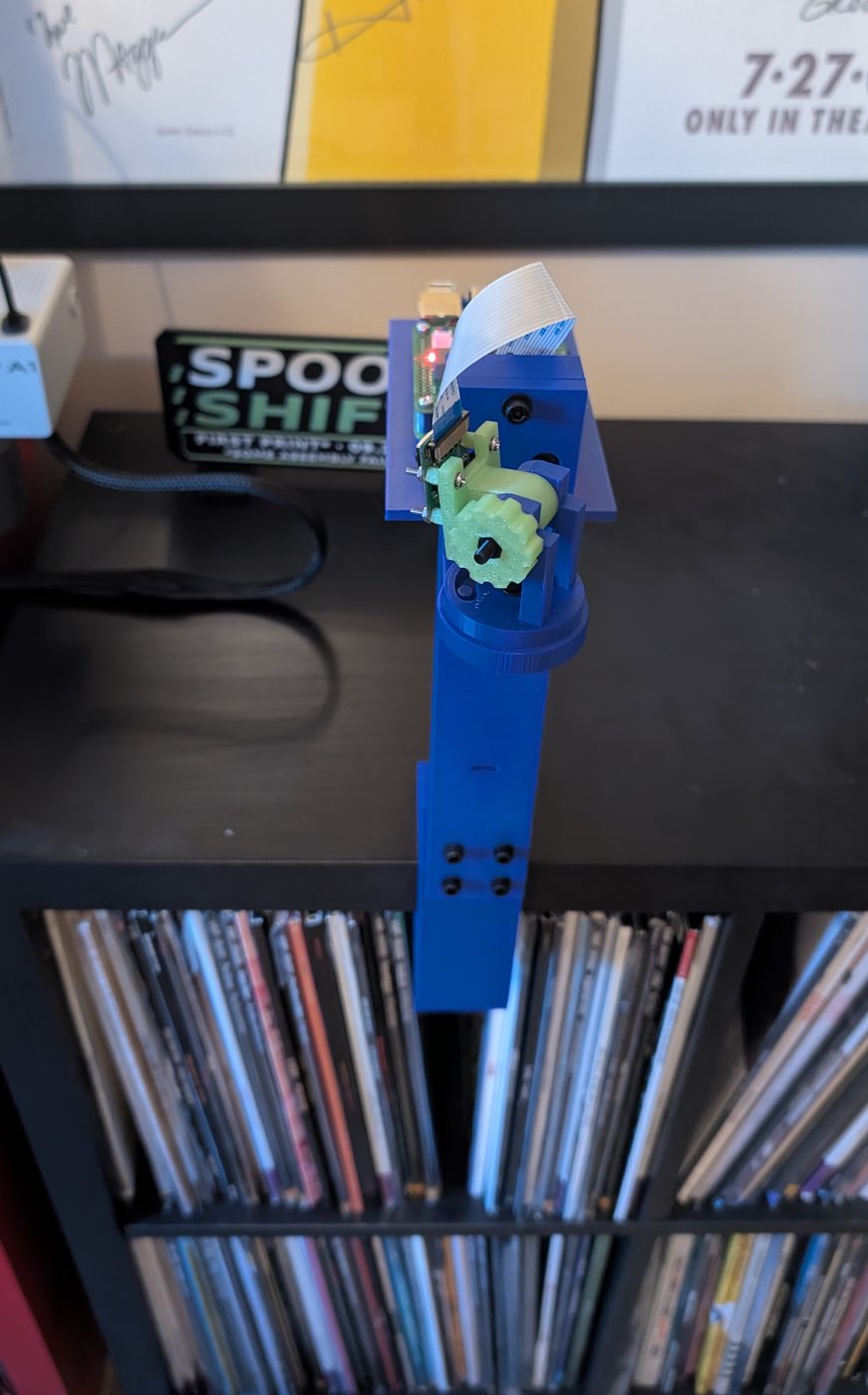
The mount is now complete, clamped in place, and fitted with the Pi and camera. The latest September 27 photos show the installed result: a printed replacement for the cardboard support, built for the Spool Shift printer-camera and live-streaming setup.
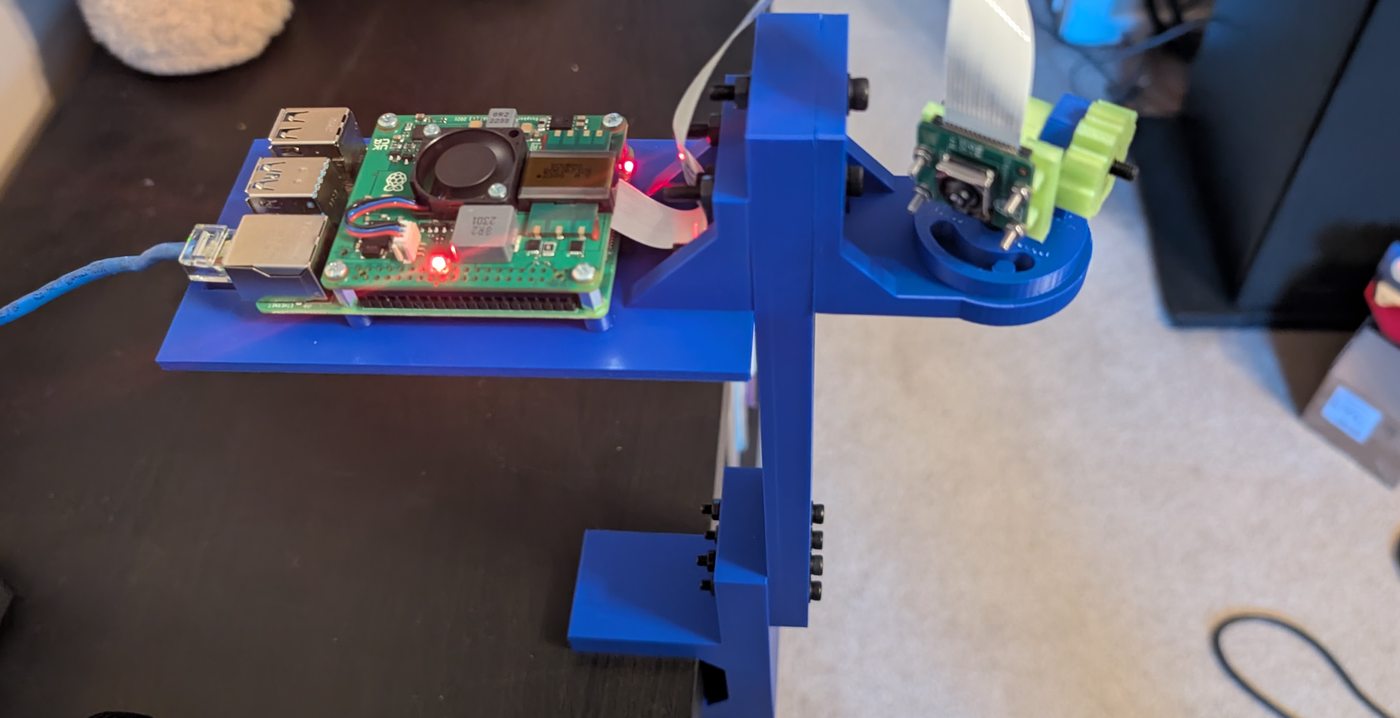
Explore the camera and streaming setup →
Next: check how the installed mount holds its view through a full moving print.
The moving camera made the next project obvious: a proper mount. This is a four-part build: test fit, clamp, upright, and stand. The test fit, clamp, and upright are printed. One print remains: the stand.
The clamp was our first print streamed to TikTok and YouTube at the same time. Two platforms, one print—and a mount in progress.
Progress update, September 23: the upright is printed. Next: print the stand, assemble the mount, and check its stability during a moving print.
Update: see the completed mount →
See how the two-platform setup works →
With the AMS Lite feeder replaced, the next attempt completed the Spool Shift sign. The sign even keeps a footnote for the experience: “Some assembly failed.”
The print streamed live to YouTube, but camera movement and jiggling caused multiple disruptions during the print and stream. The finished print was a success; the camera still needed a steadier home.
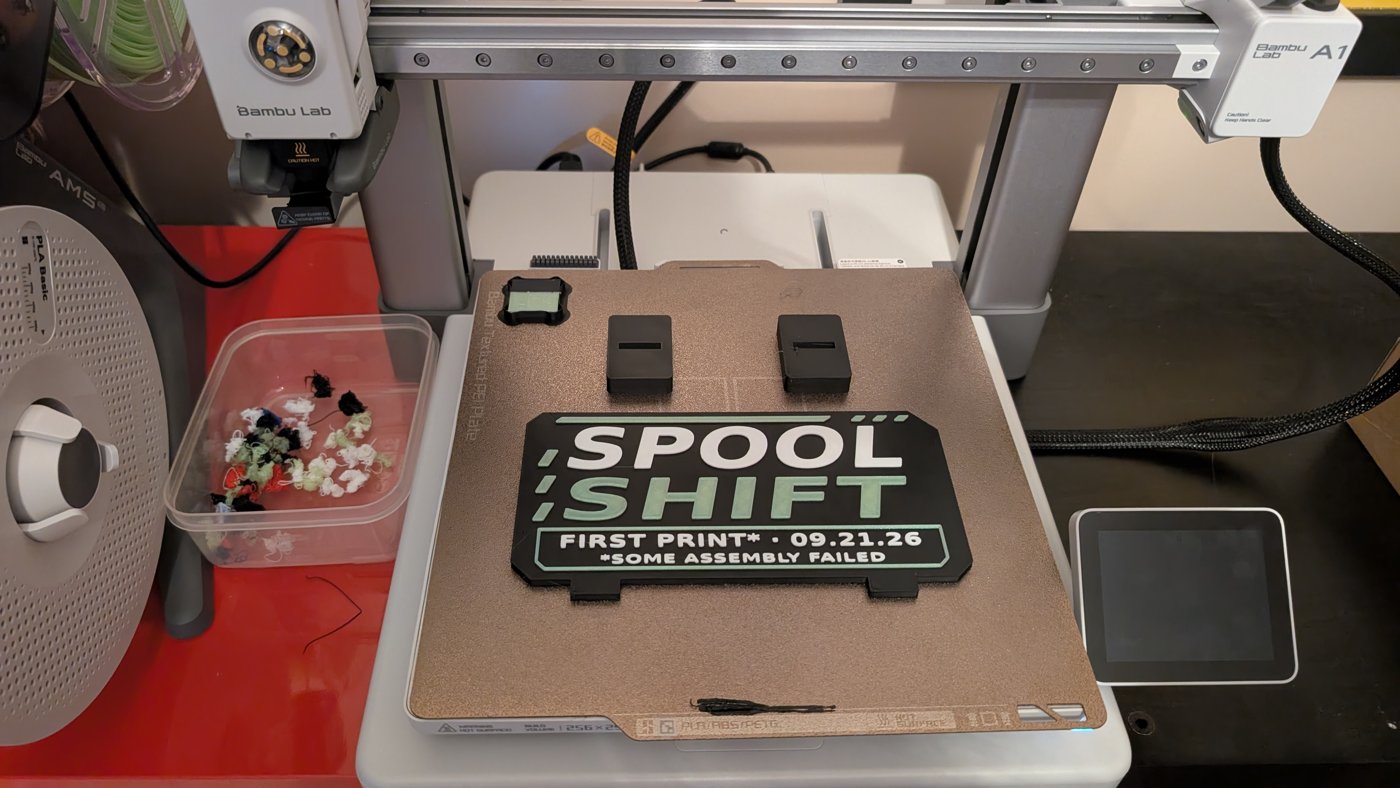
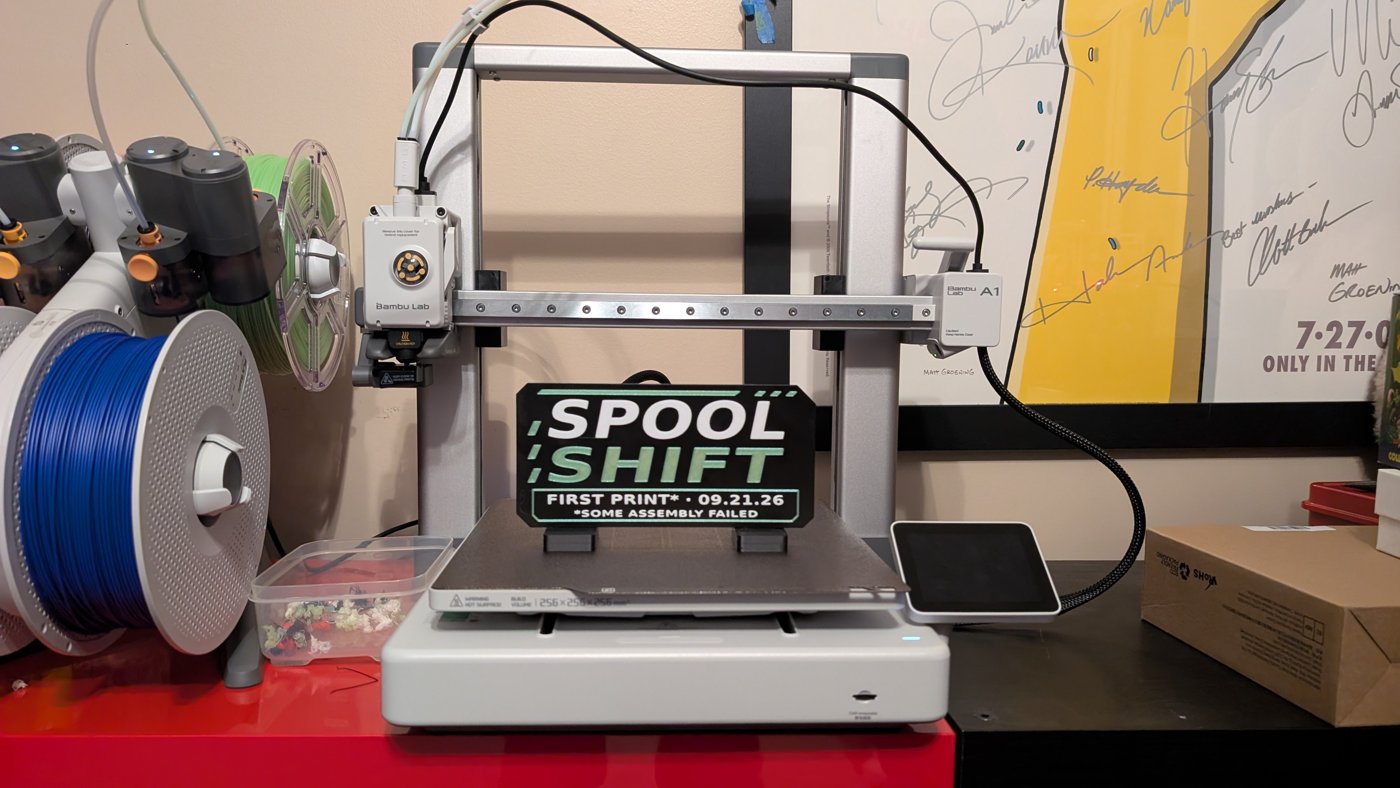
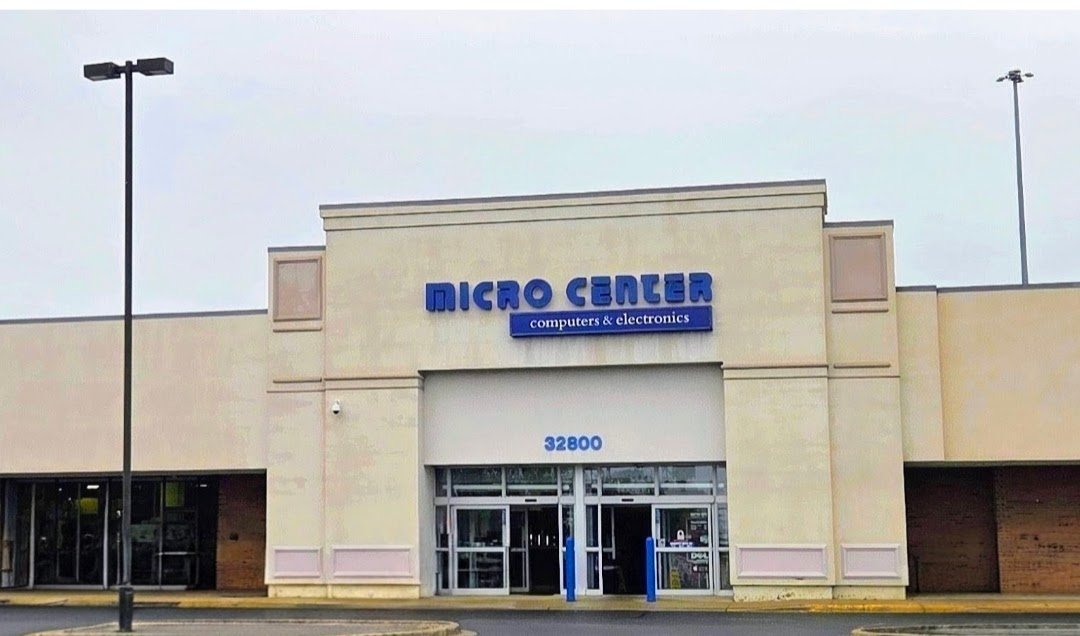
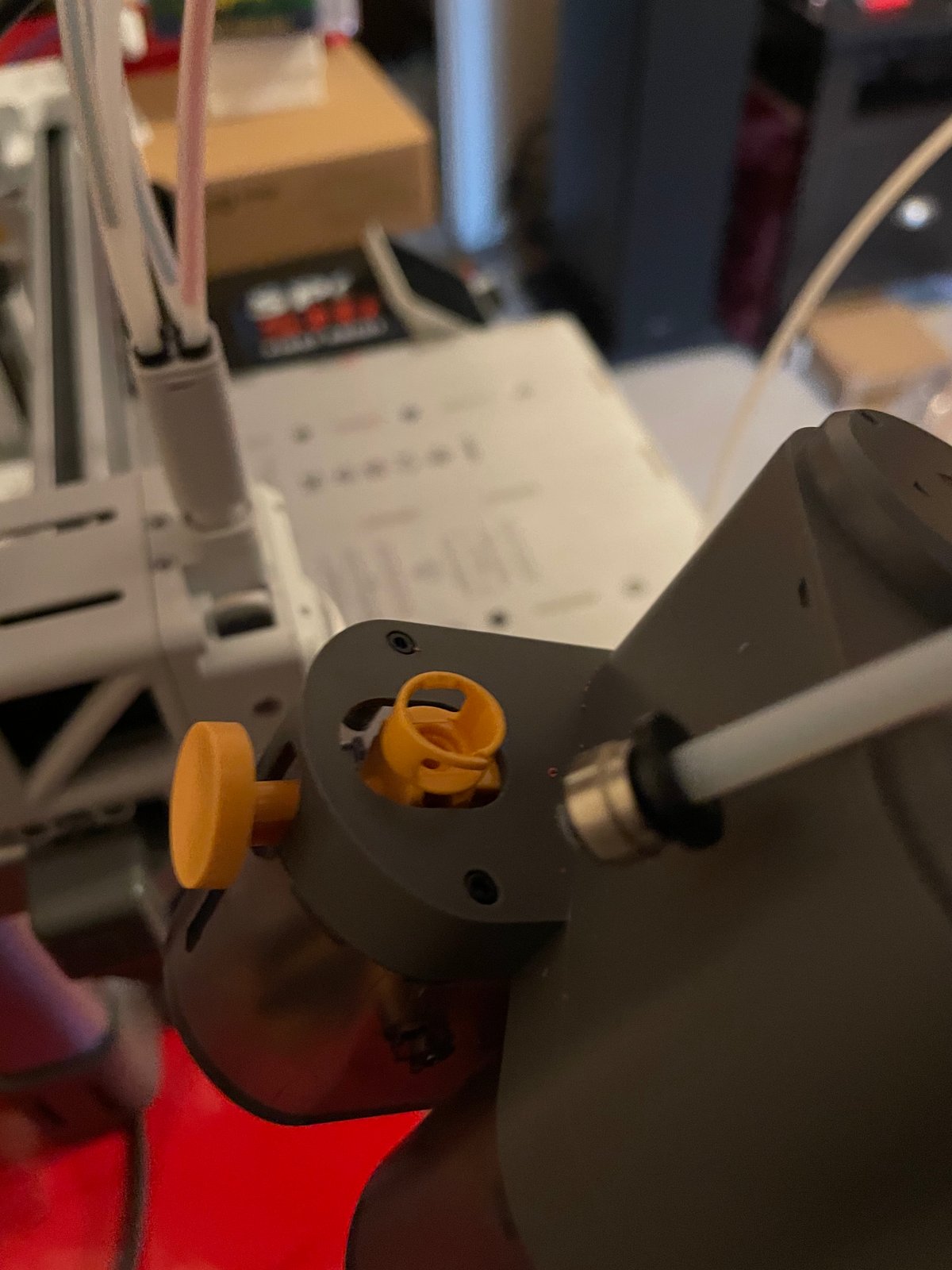
The right AMS Lite feeder unit was cracked. We picked up a replacement at Micro Center, opened the AMS Lite, removed the broken feeder, and installed the new one.
Swap complete, AMS Lite reassembled, filament loaded. The next print would put the repair to work.
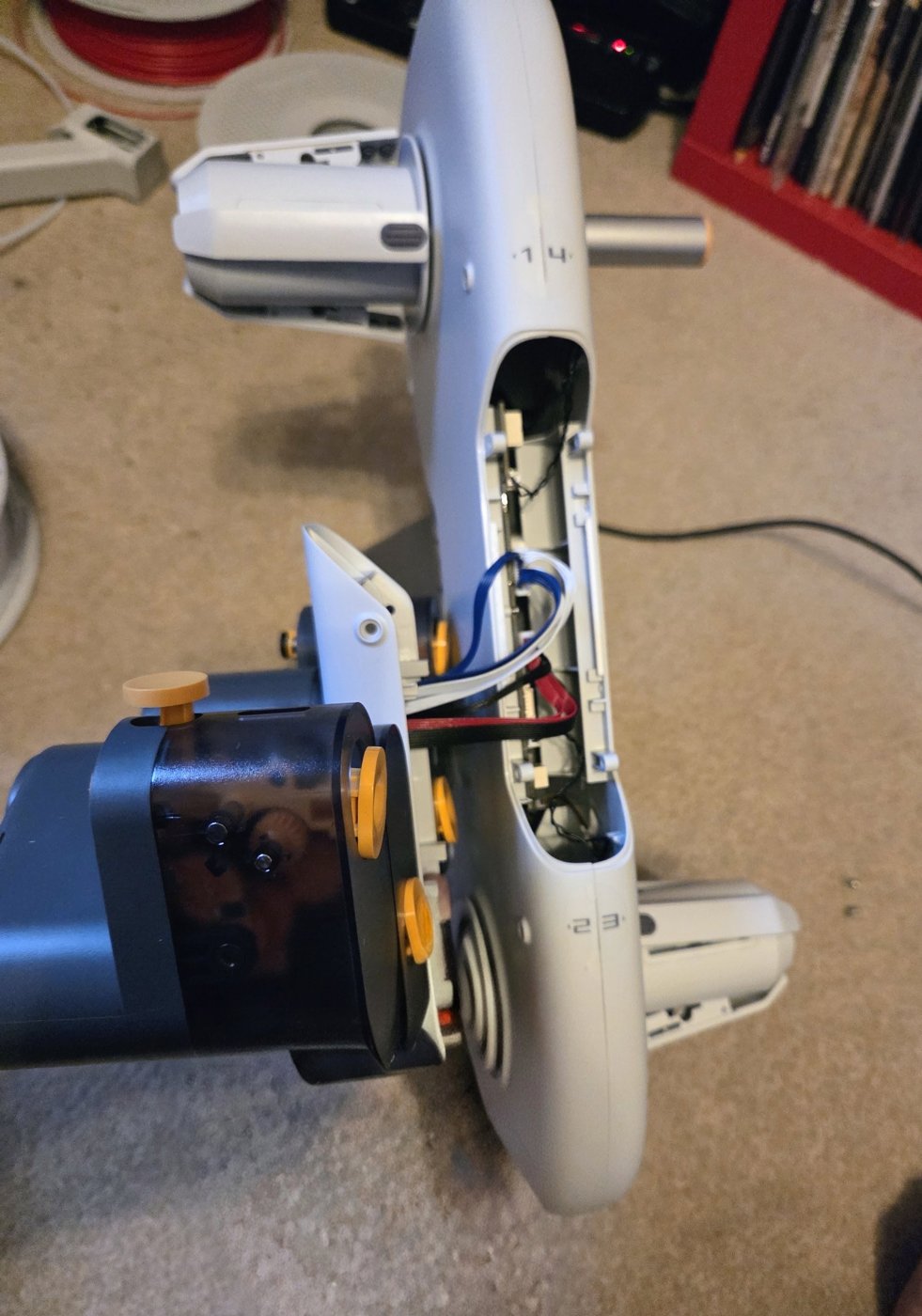
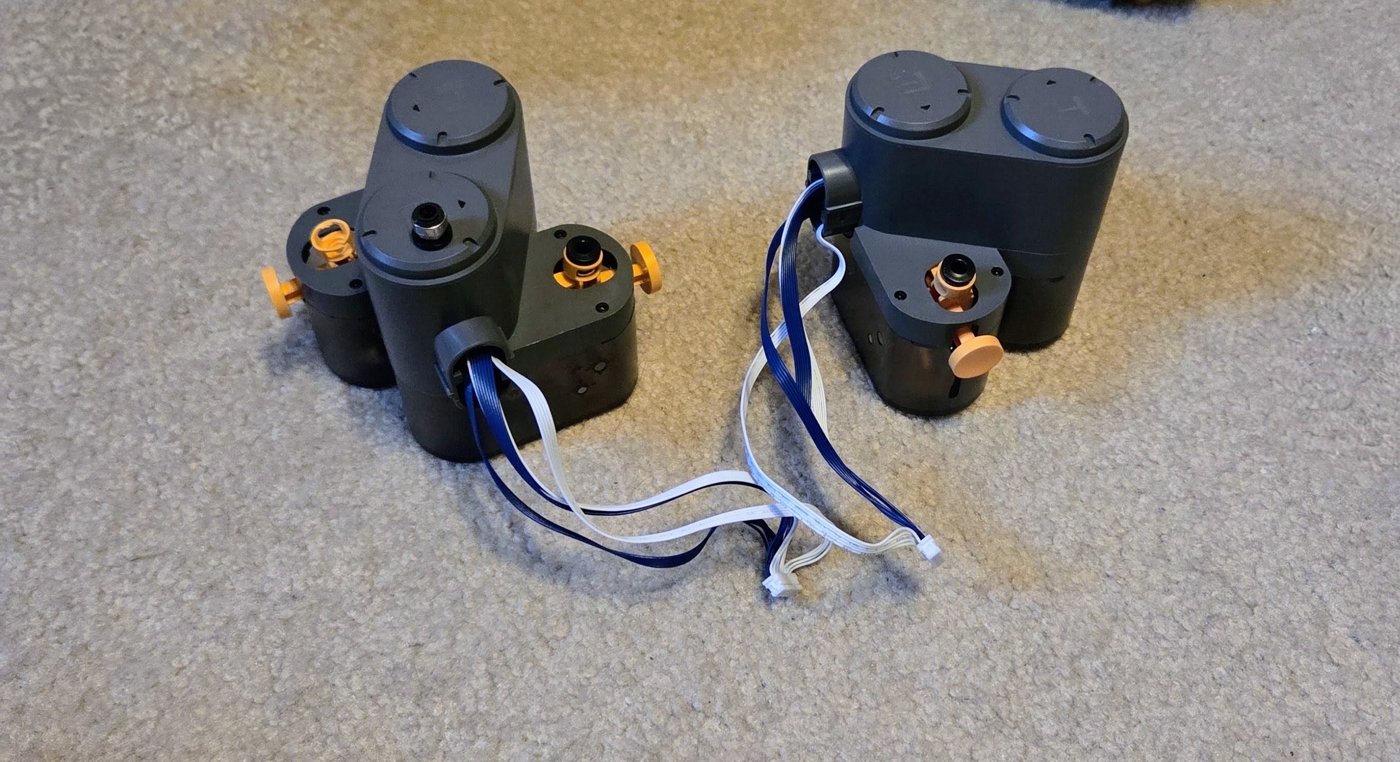
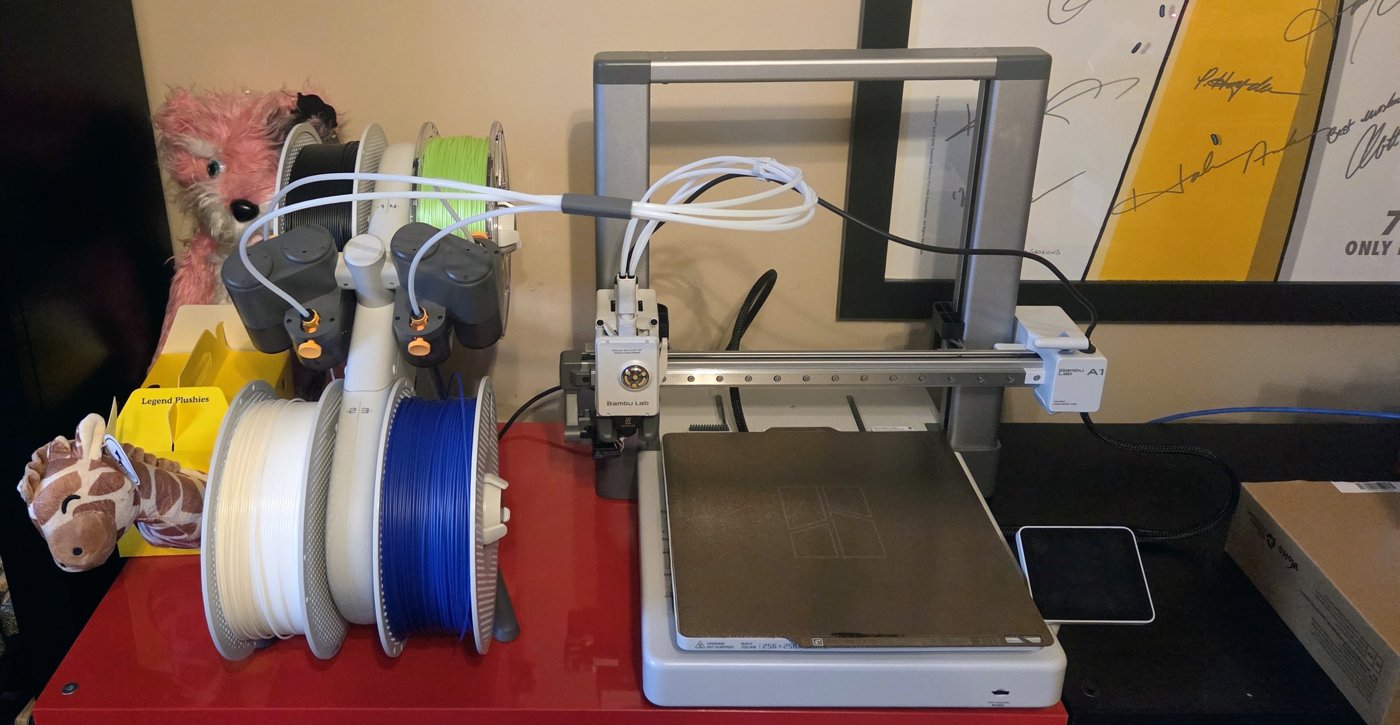
The printer was assembled, calibration was complete, and the camera was in place. Then a broken AMS Lite brought the print attempt to a halt.
We shared what happened on socials, and the post got a lot of attention. So it belongs here too: the setbacks are part of building this project, just as much as the progress.
Next: resolve the AMS Lite issue. We’ll share the outcome when there’s an update.
The Raspberry Pi camera setup and hardware photos are now documented on the Camera Setup page. A steadier temporary mount is still on the list.
The camera is in place at the printer, and private YouTube broadcast tests are complete. We’re still working on a steady temporary mount before recording prints.
The next step is getting the camera steady.
The A1 is assembled and calibration is complete. Next up: camera testing and recording prints.
The loose parts are starting to look like a printer. The A1 frame and base are together, the AMS Lite is assembled, and the filament tubes are connected. Everything is in place on the red cabinet for the next stage.
Assembly done. Next up: calibration and camera testing.
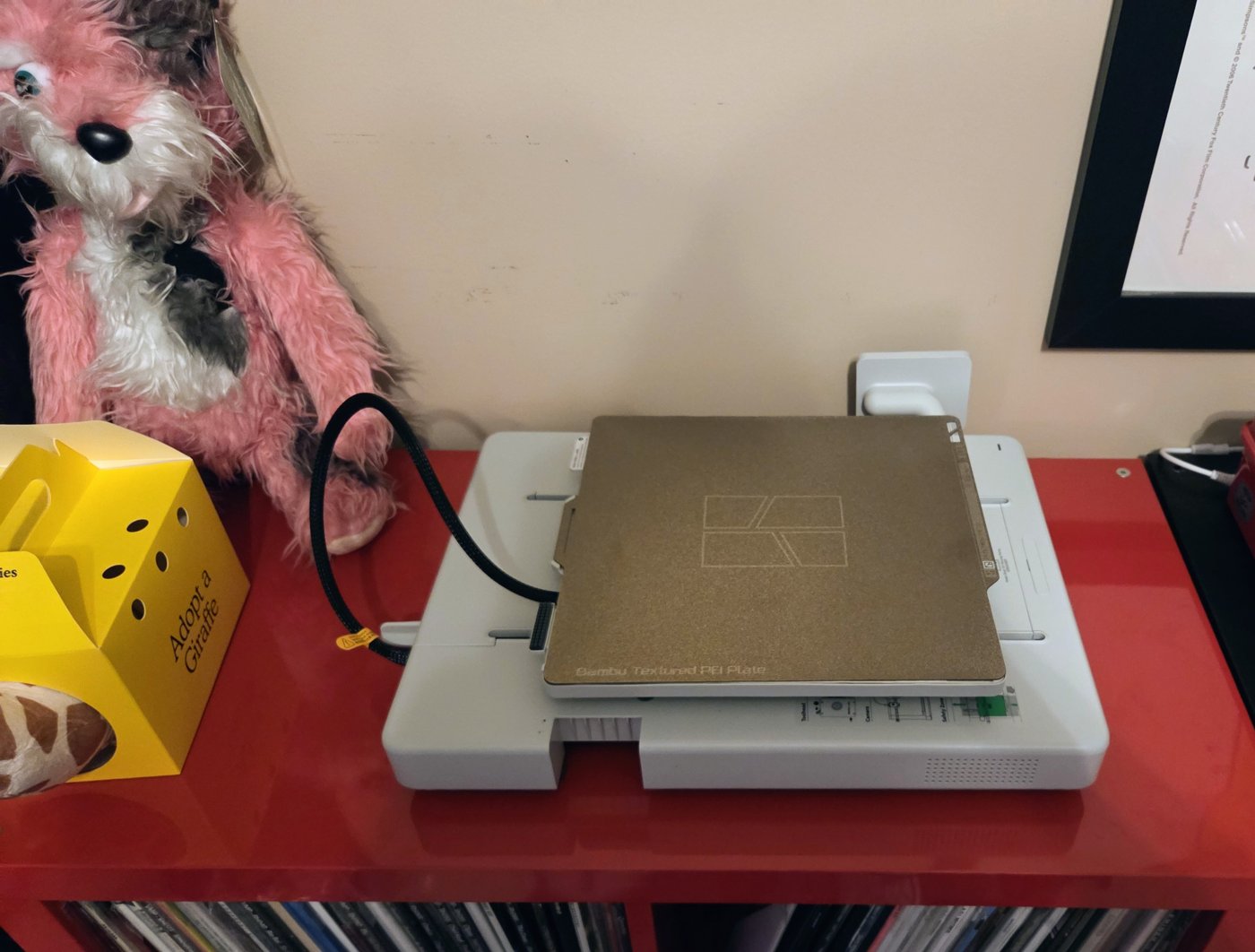
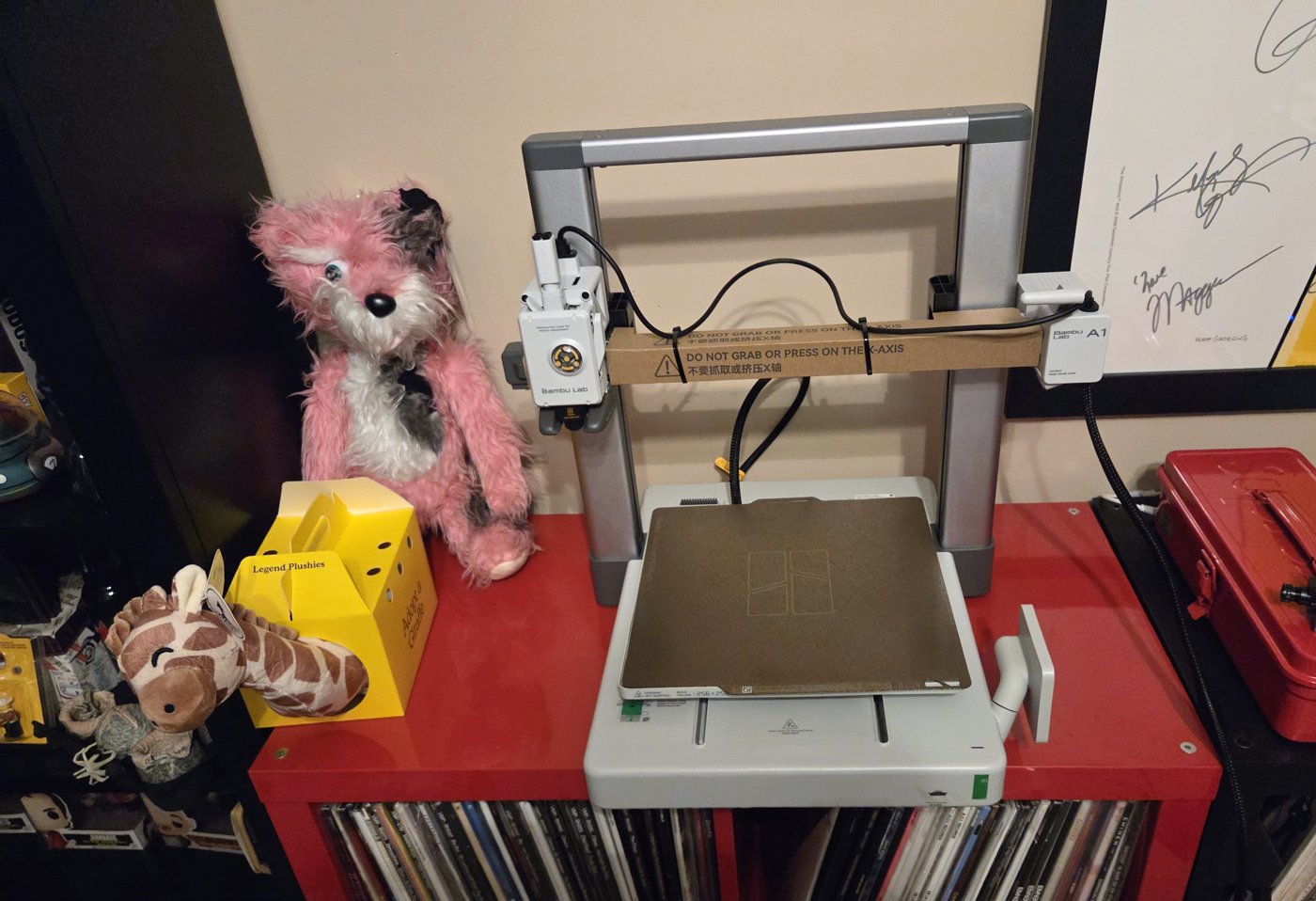
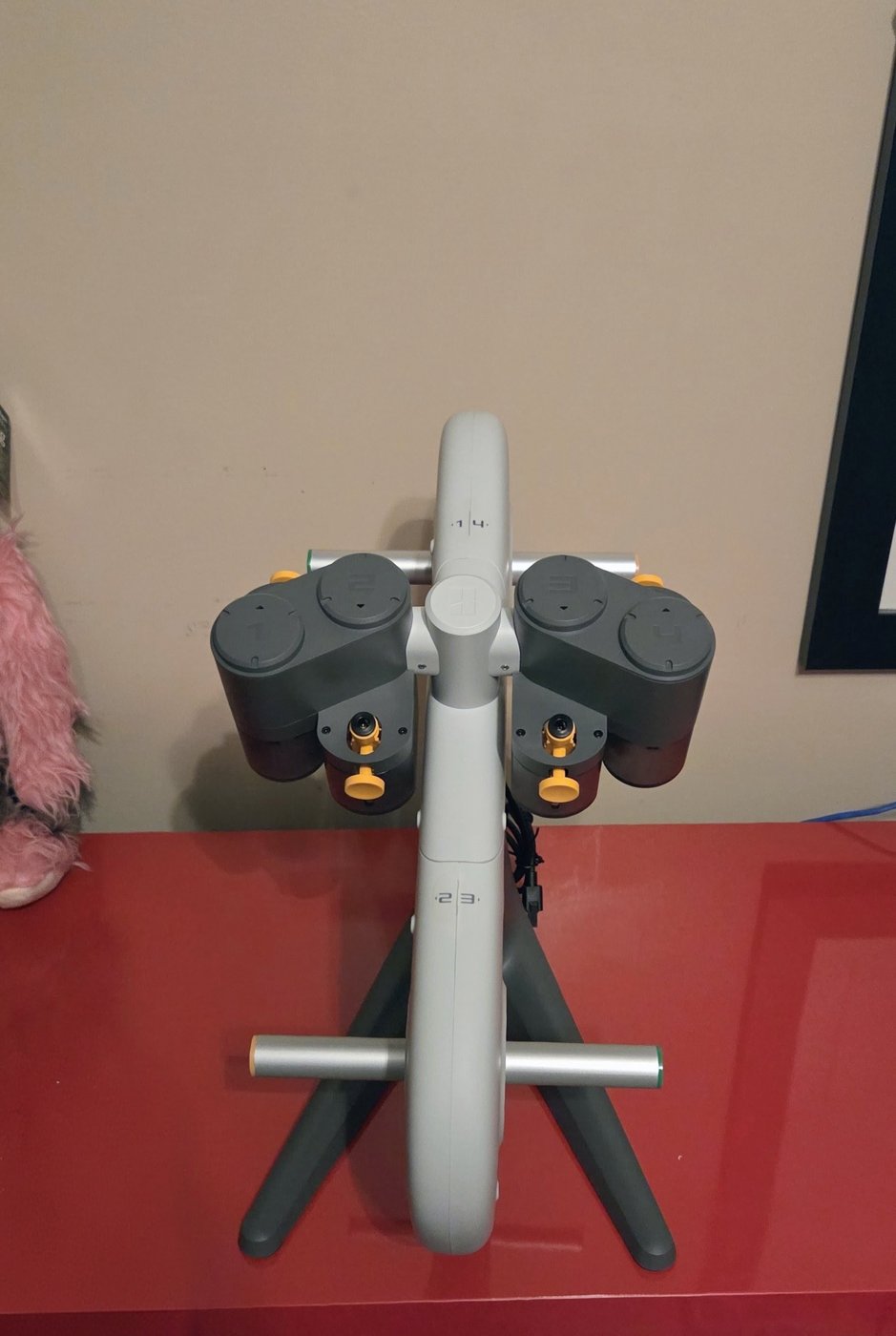
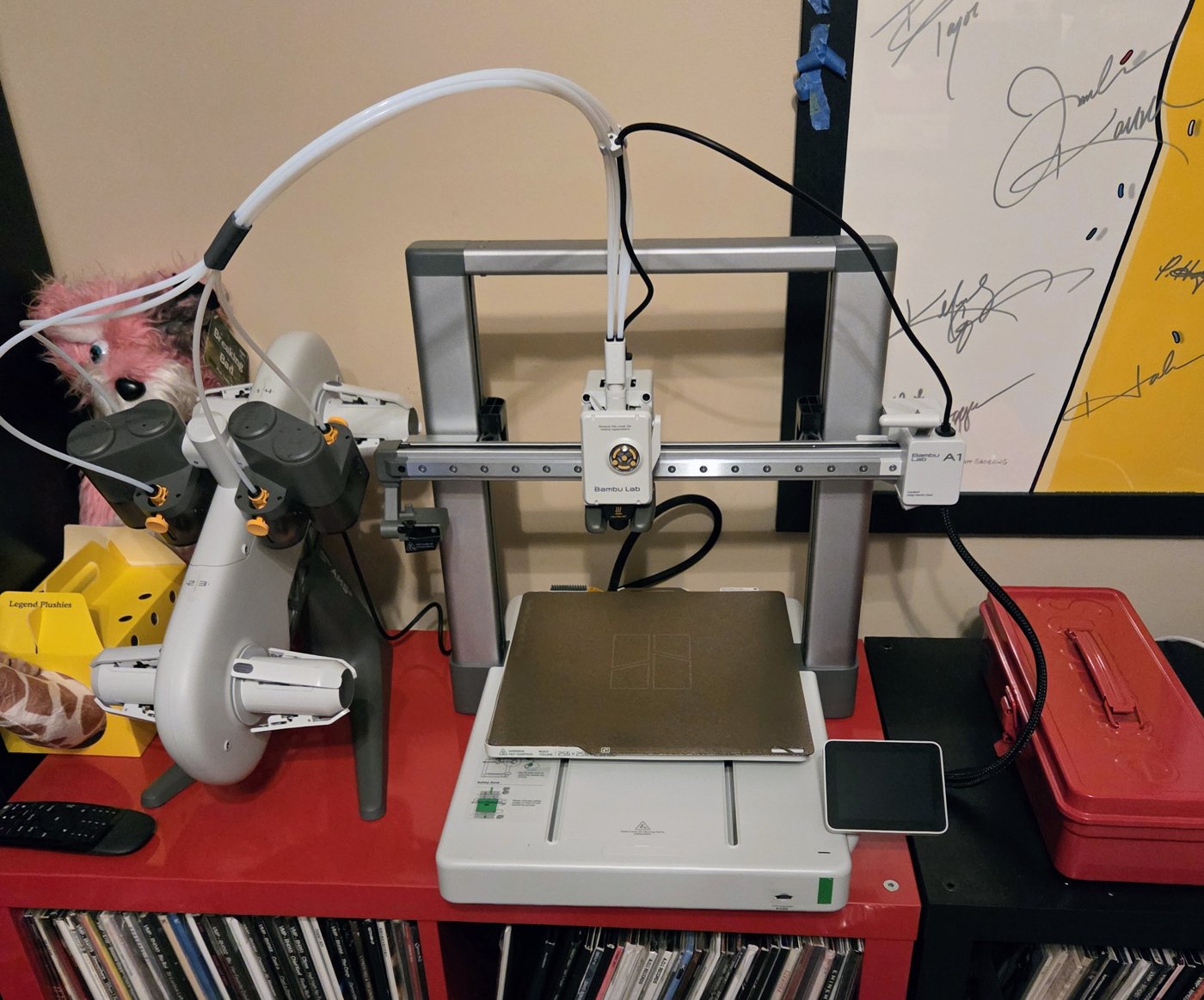
The Bambu Lab A1 Combo has been purchased, brought home, and unpacked. From the first look inside the box to the printer base on the red cabinet, everything is out and ready for setup.
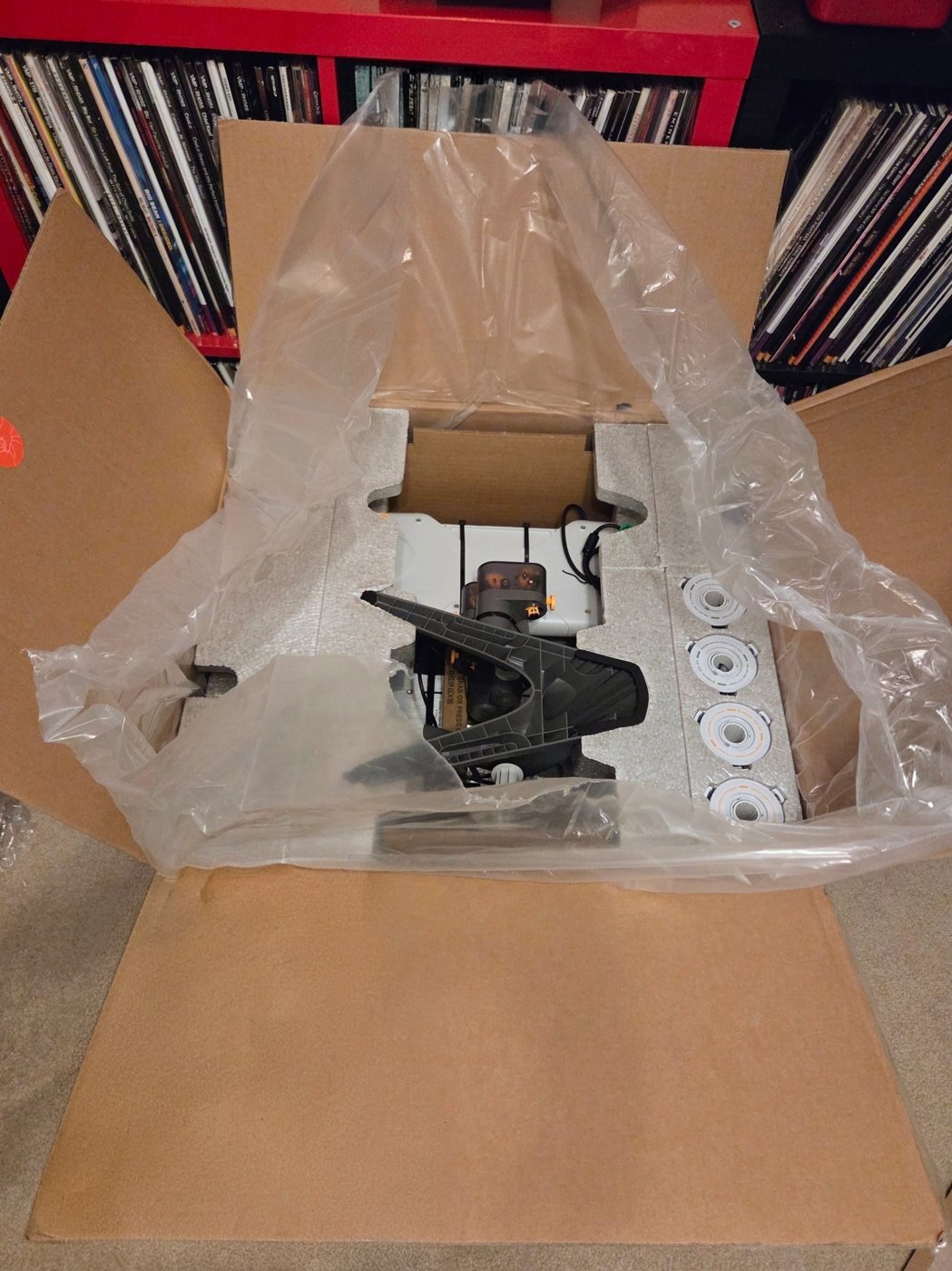
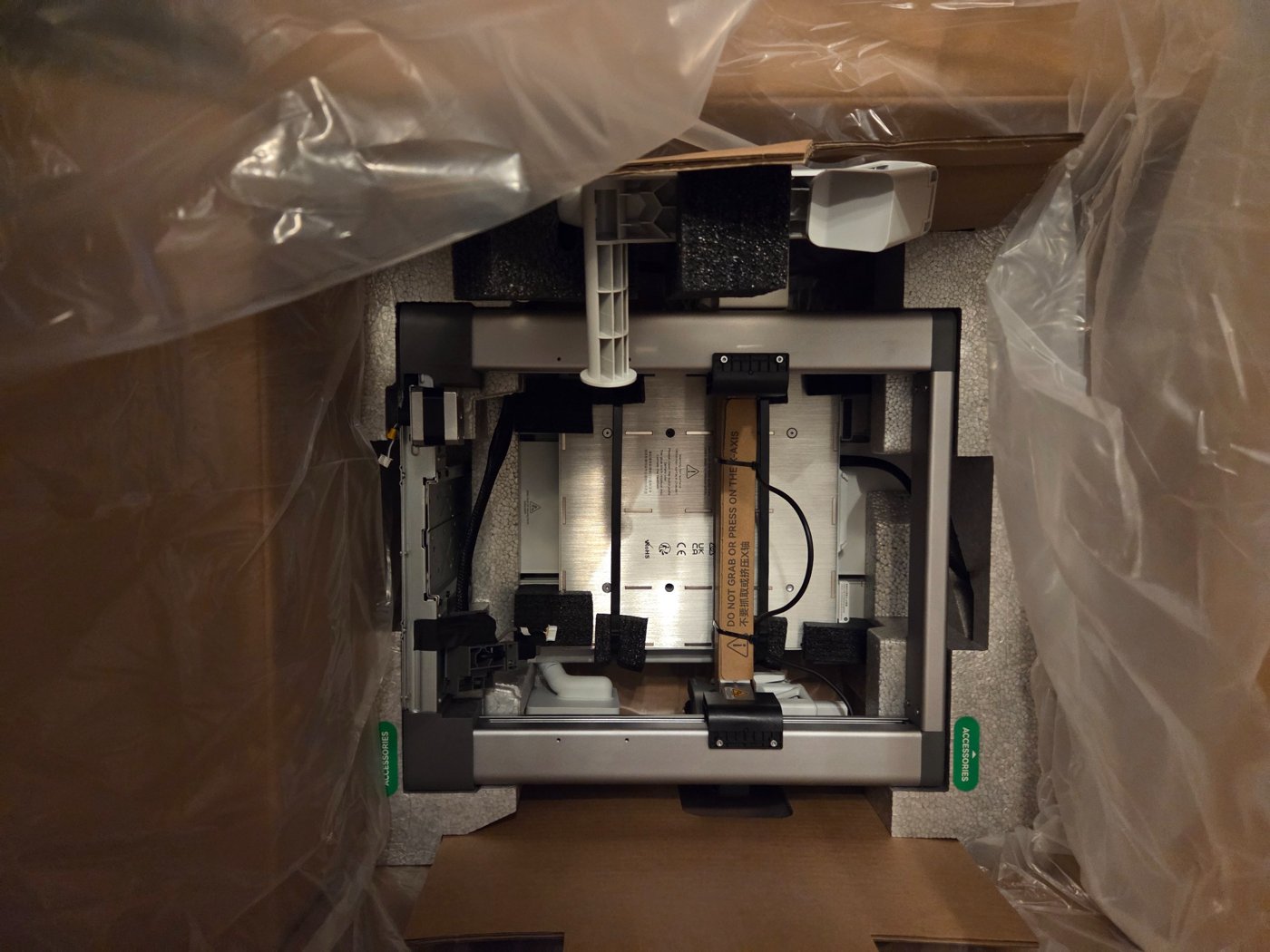
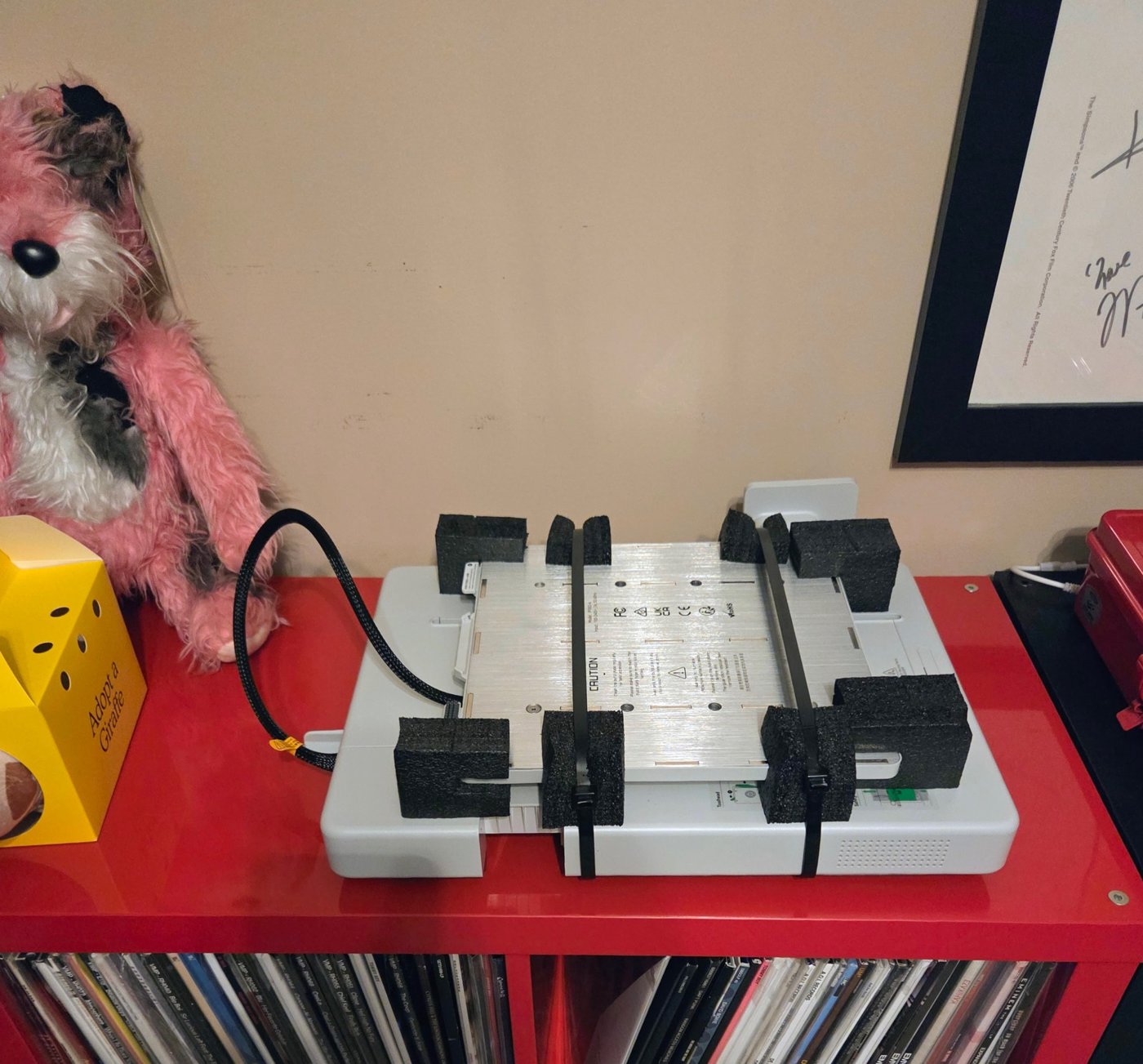
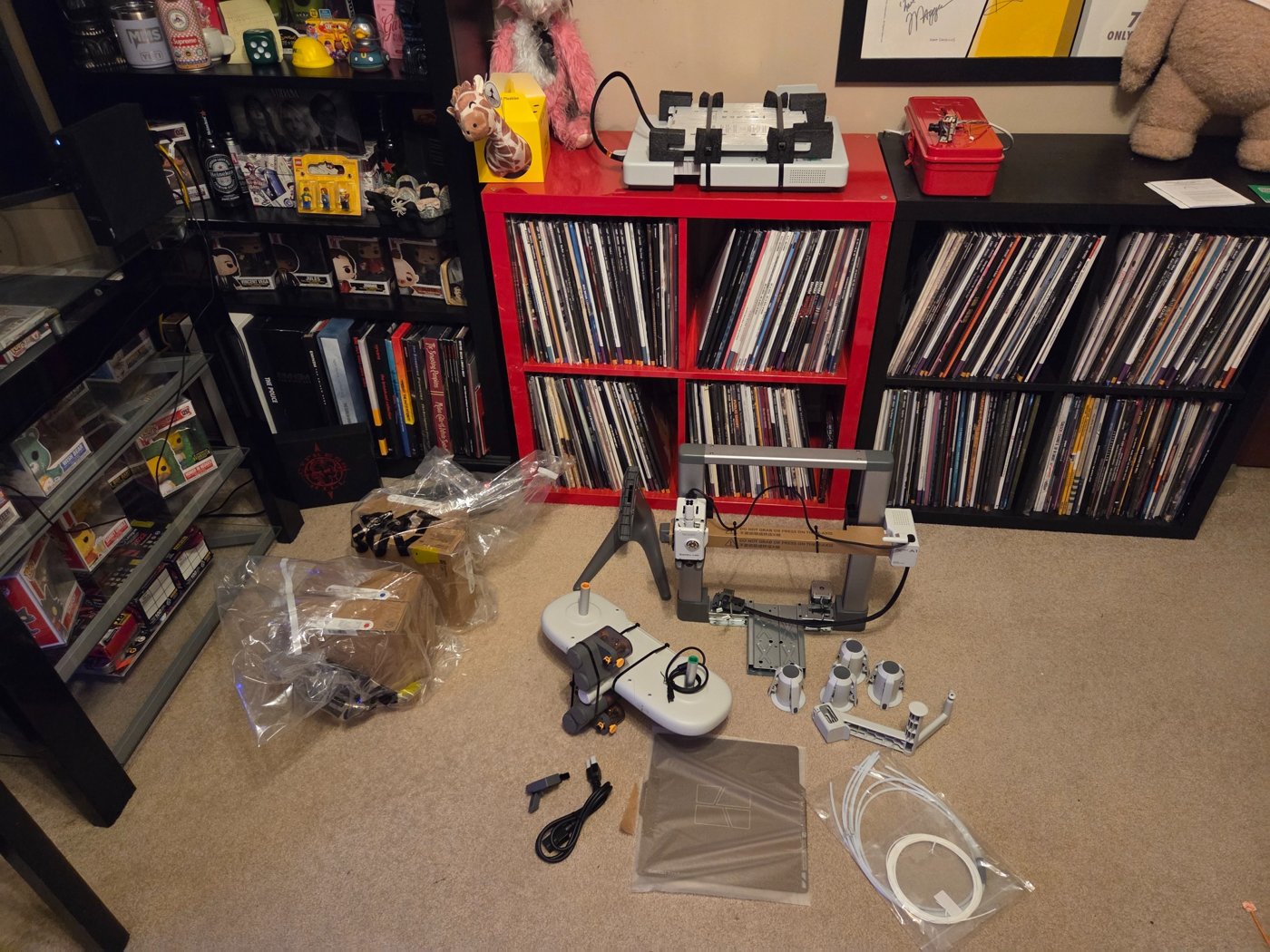
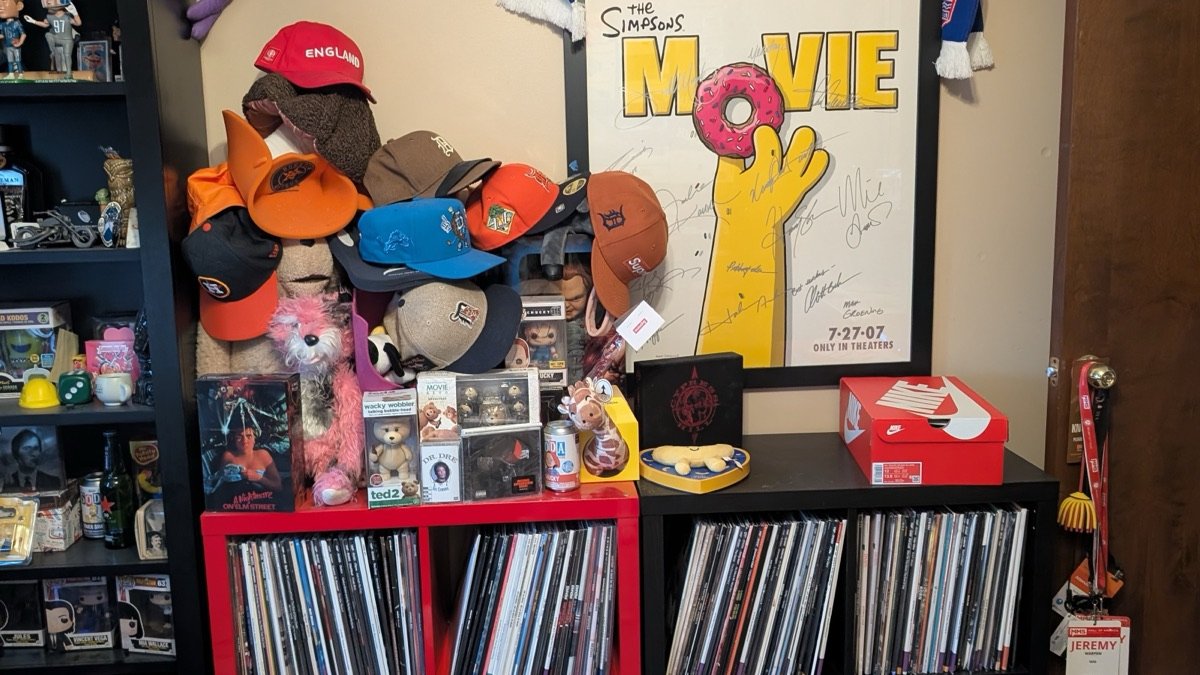
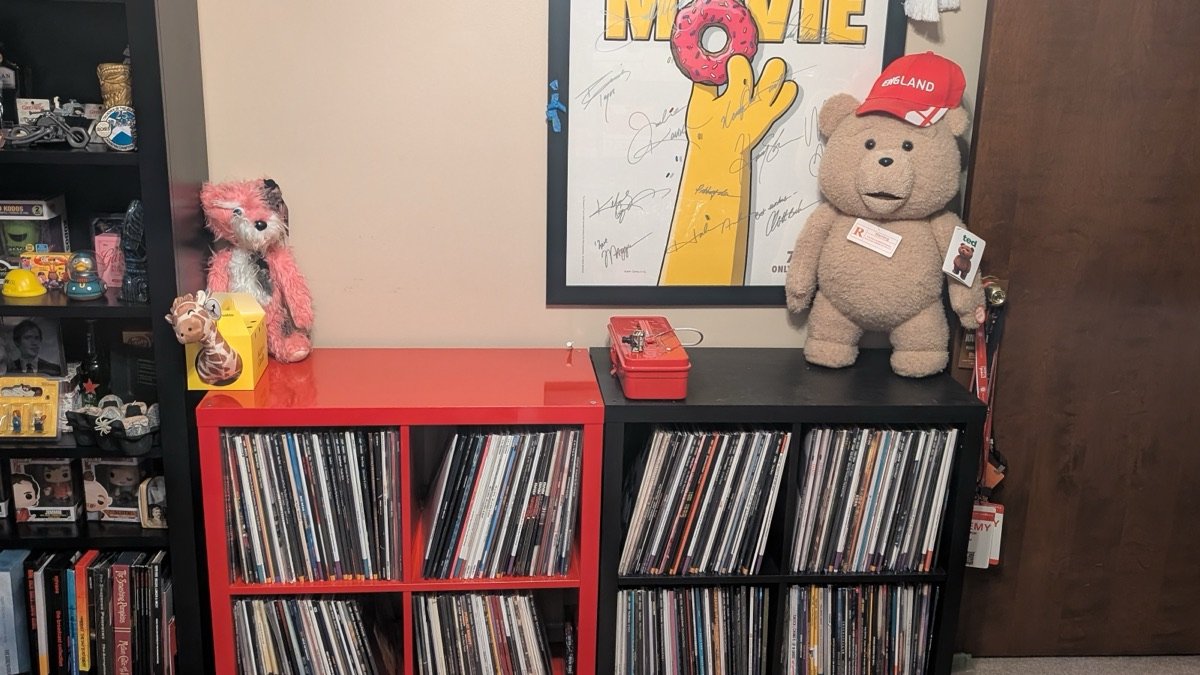
Before the printer could take its place, the space needed a reset. Hats, collectibles, and boxes made way for a clear surface on the red cabinet—the starting point for the printer and camera setup.